Charts that can't be questioned
A dashboard shows you the dip. Finding out why the dip happened is a separate request to a separate person.
Dashboards
Say what you want to track. Supaboard picks the charts, wires them to your data and hands back a board you can filter, embed and ask questions of.
E-commerce Analytics Demo Dashboards
E-Commerce Sales Overview
Total Net Revenue (Last 12 Months)
$57.67M
Return Rate
8%
AOV
$350
User Rating
3.71
Total Orders - Last 12 Months
173.50K
Orders by Return Reason
orders
Grouped vs Single Orders
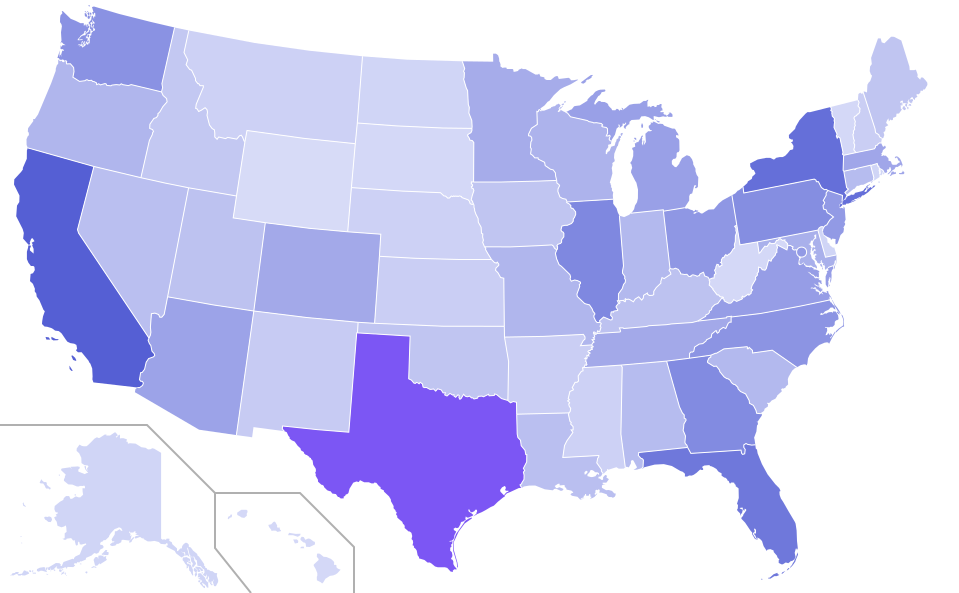
Order Volume by State
Revenue by Brands(Monthly Trend)
Revenue Per Month
net_revenue
Orders Vs Returns Per Product
Product Name
Orders By Payment Method
month
Orders by Product — AOV, Units Sold/Returned, Avg Rating, Net Revenue, Fulfilled/Cancelled, Region






















A dashboard shows you the dip. Finding out why the dip happened is a separate request to a separate person.
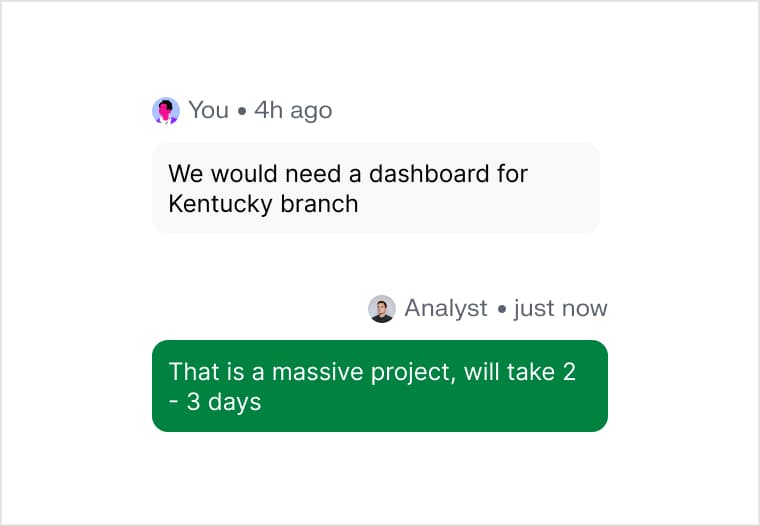
The tenth dashboard takes as long as the first, because nothing about the ninth made it easier.

The board is built for a desk. The person who needs the number on Sunday evening is holding a phone.
Describe what you want to watch. The charts are picked to fit the shape of your data, then laid out, wired up and made to read properly on a phone.
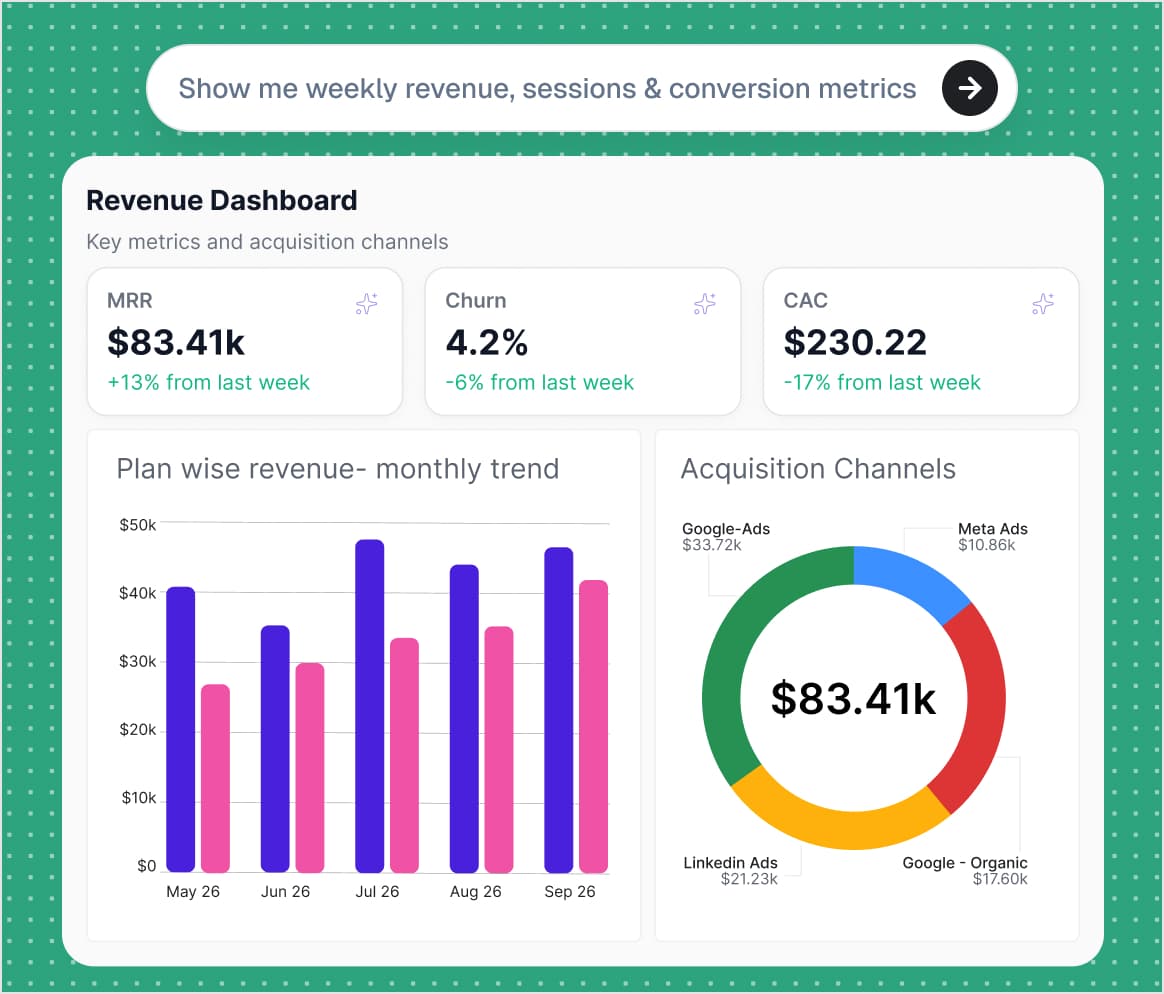
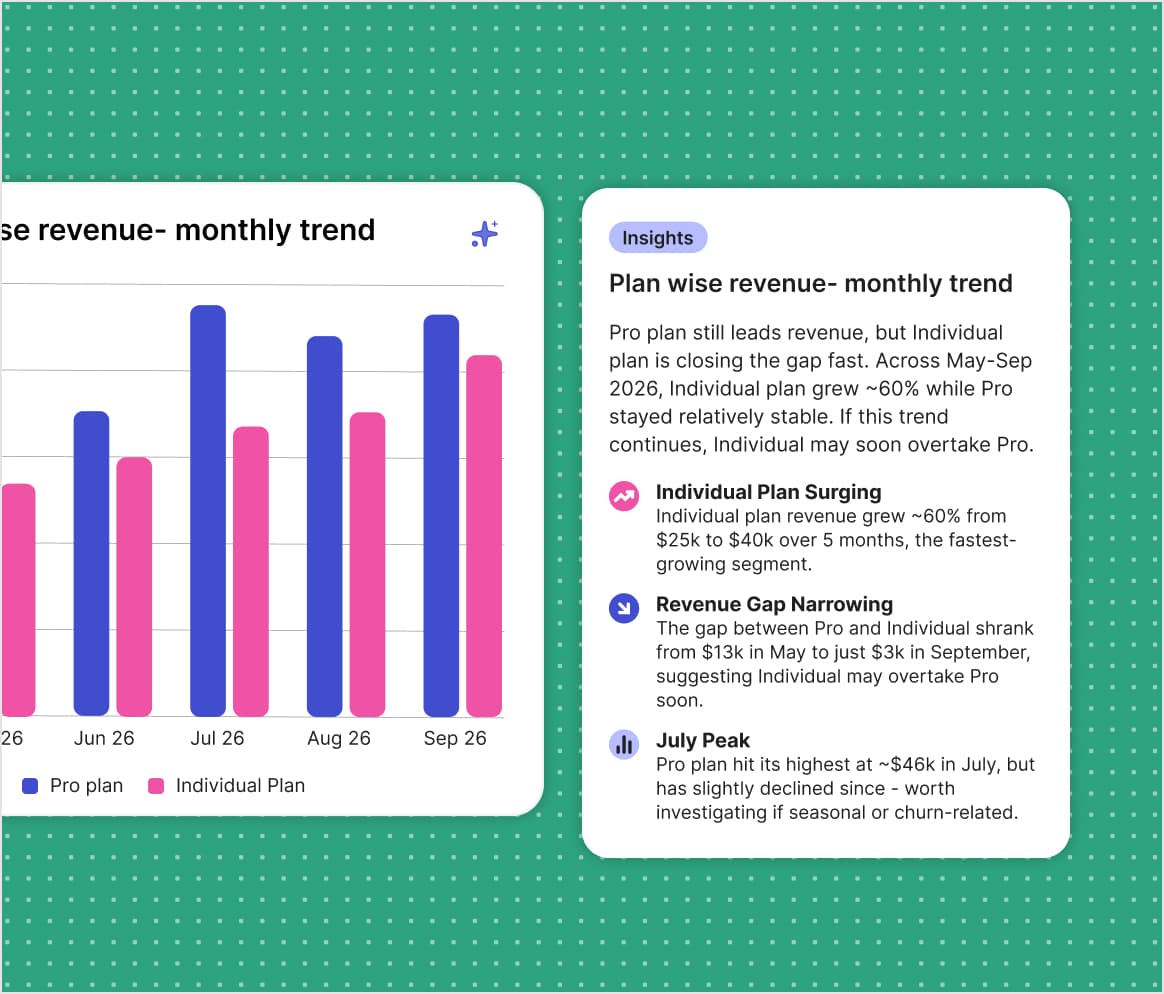
The board keeps working after it is built. Ask a chart what sits behind a number, add a filter by pointing at a field, read the written takeaway beside each widget.
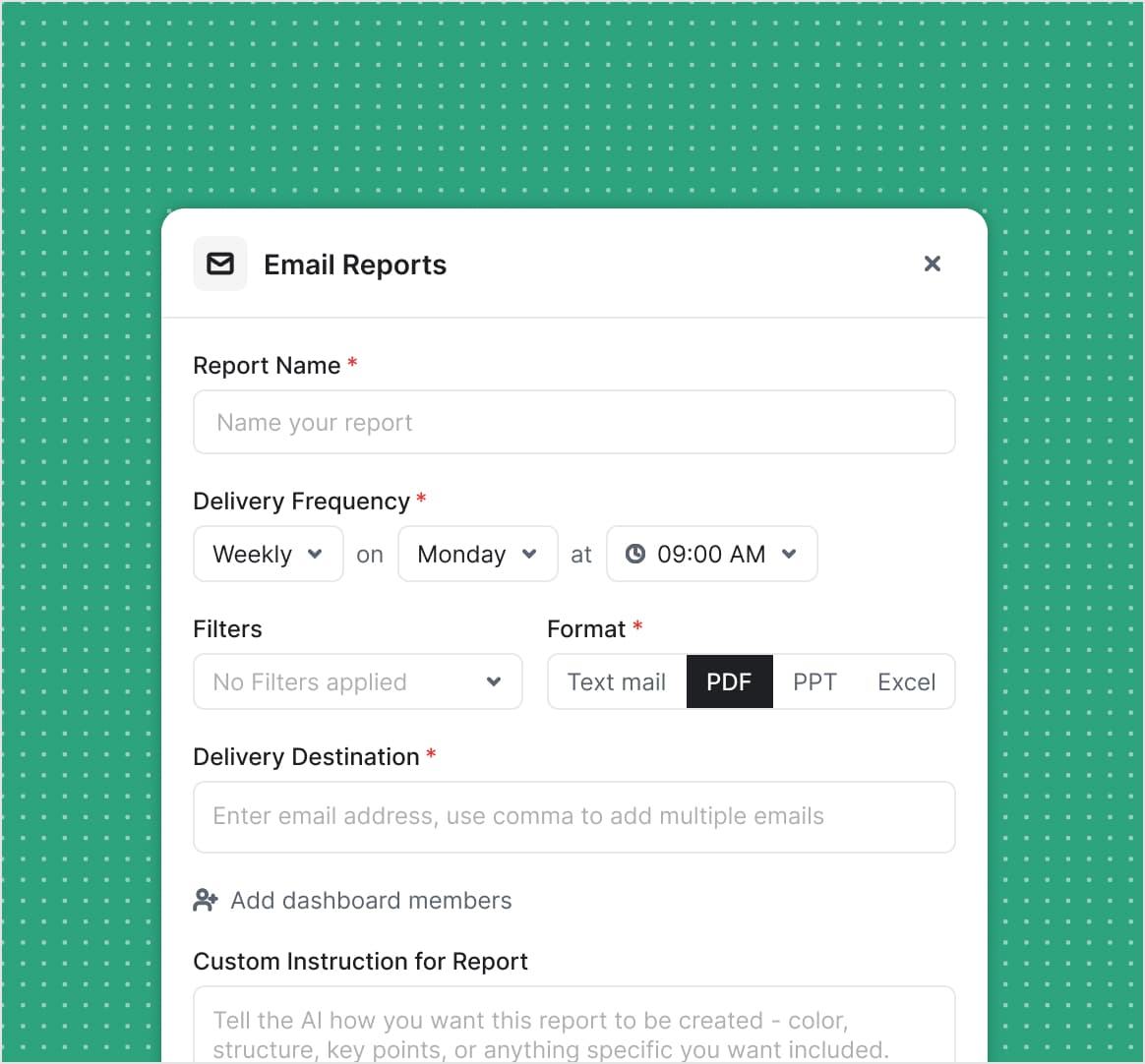
Set the board to send itself. Pick the hour, the format and who gets it, and tell the write-up what to lead with — then stop opening the board to find out whether anything moved.
Bar through to sankey, with the ones that can't render your data hidden.
Minutes of prompting against weeks of dashboard engineering.
From the first sentence to a board you can send.
You don't lay out widgets or define a model first. You describe the board, get a working version from live data, and change it by asking.
Yes. Swap chart types, rewrite queries, move things around. The prompt is a first draft, not a lock.
28 of them, including bar, line, area, pie, scatter, funnel, gauge, radar, heatmap, treemap, sunburst, sankey, waterfall and map. Supaboard hides the ones that can't render the data you gave it.
Yes. A board can be shared on a link or embedded in a page, with access set per board. The layout is responsive, so the same board reads on a phone.
Yes. Schedule a board hourly, daily, weekly or monthly in your own timezone, choose a plain-text summary, PDF, PowerPoint or Excel, and send it to an address list or to the board's members. You can also tell the write-up what to lead with.
126K+ dashboards have been built by the 1,000+ businesses on Supaboard.
No credit card required. 14-day free trial.