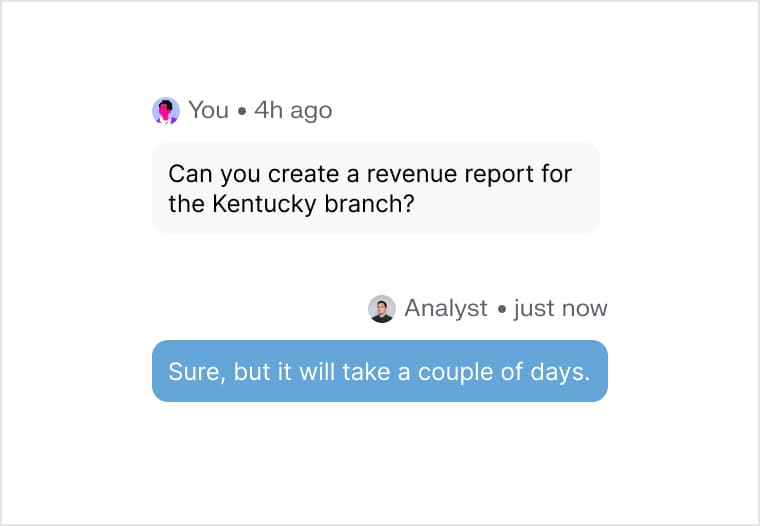
Someone rebuilds it every Monday
The same pull, the same paste, the same formatting, by a person who was hired to do something else.
Automations
Set a question to run on Monday morning, or the moment a number crosses a line. The answer arrives already written up, as an email, a deck or a spreadsheet.




















The same pull, the same paste, the same formatting, by a person who was hired to do something else.

Nobody watches every metric daily, so a bad week gets discovered three weeks later.
Insight that arrives in a tool people don't open is the same as no insight.
A schedule covers the reports you already know you need. An alert covers the ones you don't: it watches a query and fires the moment the result crosses your line — then the rest of the chain investigates and writes it up before anyone has opened a tab.
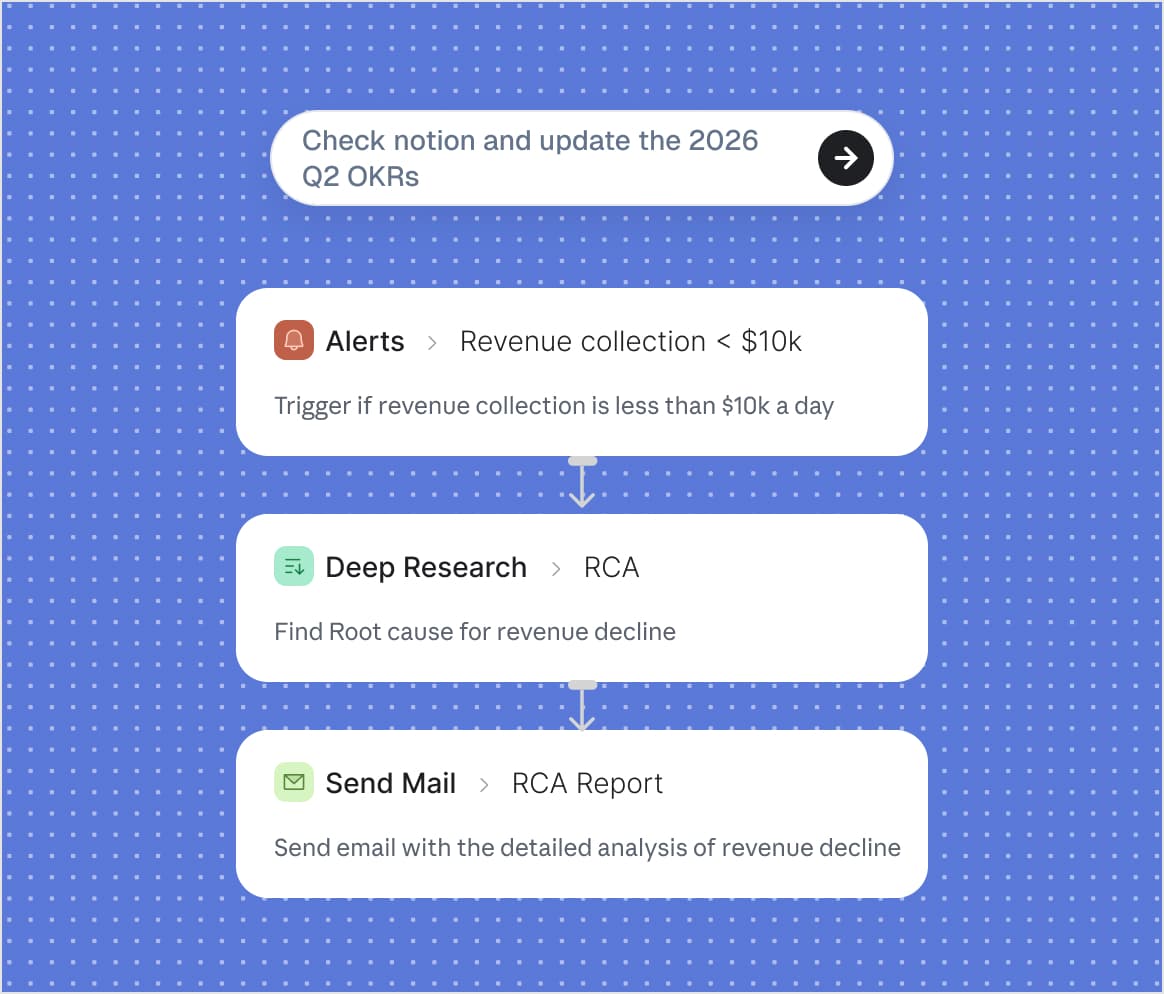
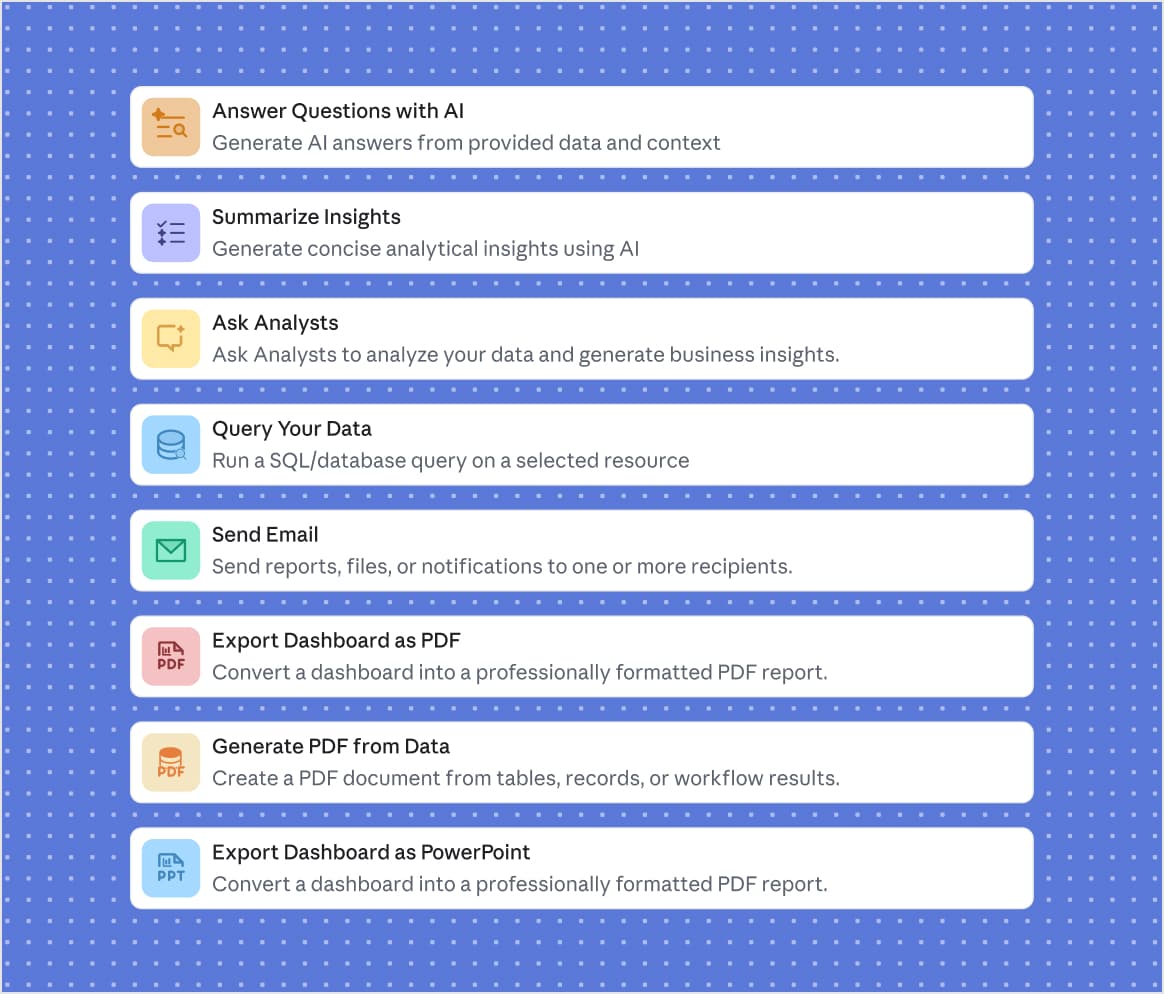
Chain the work: query the database, ask an analyst about the result, summarise it, split on a condition, loop over every row, build the file. 17 blocks, joined in the order you want.
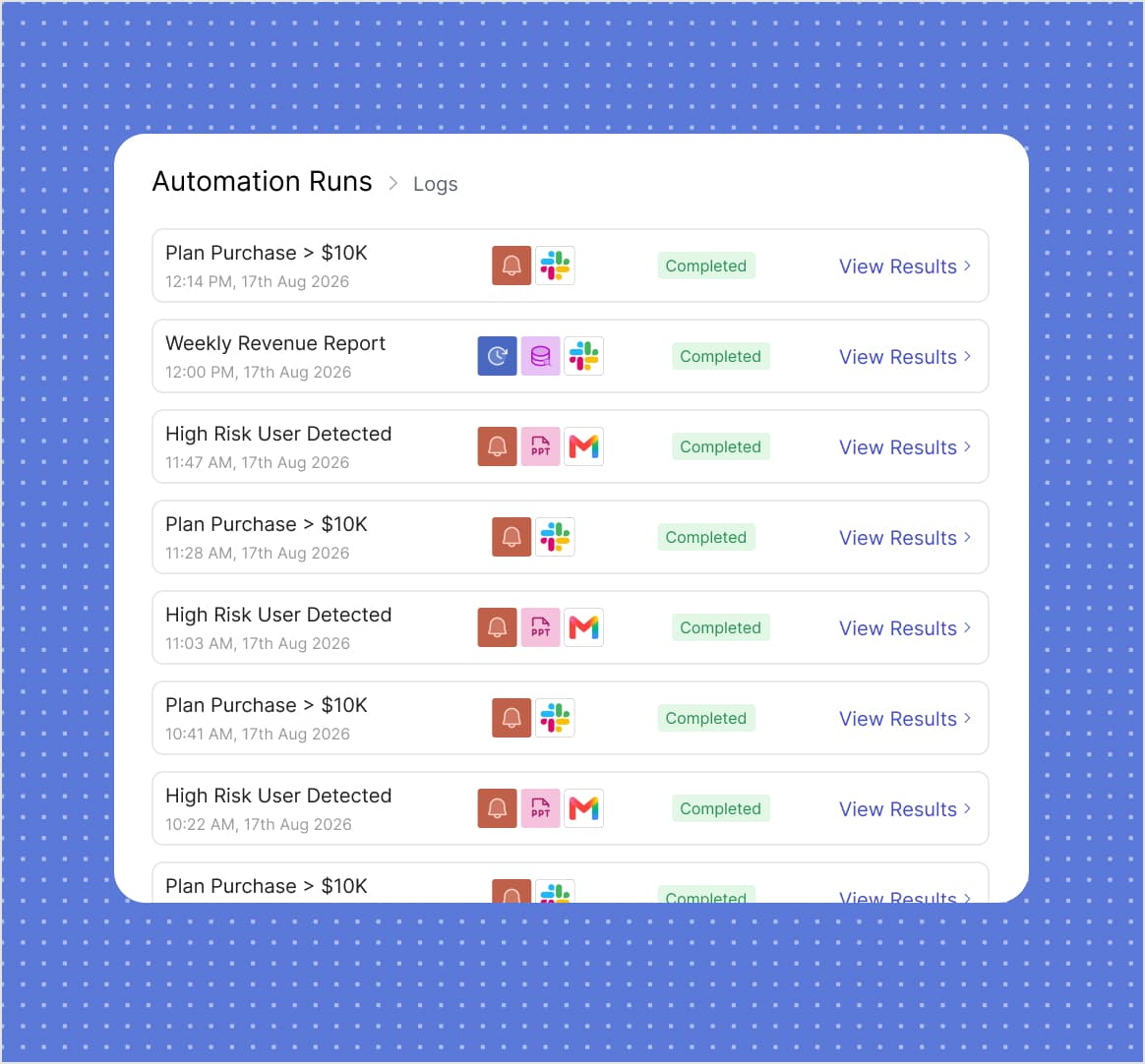
Each run is listed with what triggered it, when it started and whether it finished, and the result it produced is one click away. When a step fails, the log says which step and why.
Queries, analysts, conditions, loops, exports and sends.
PDF, PowerPoint and Excel, built from the run itself.
Once it is set, the report writes and sends itself.
Anything you can ask an analyst, plus the steps around it: run a query, summarise the result, branch on a condition, loop over rows, build a file, send it.
An alert watches a query on an interval and compares each result to the last. It fires when the answer changes, so a quiet week stays quiet.
Email, or a webhook into whatever else you run. An automation can attach a PDF, a PowerPoint or an Excel file built from the same run.
Only if you want to. A single scheduled question is one block. Conditions, loops and multi-step chains are there when the job gets bigger.
The run stops at the failing step and records where and why, so you fix that step instead of re-reading the whole chain.
No credit card required. 14-day free trial.