Best Tableau Alternatives & Competitors in 2026 (Top BI Tools Compared)
Explore the best Tableau alternatives in 2026. Compare top BI tools like Supaboard, ThoughtSpot, Metabase, Domo, and Sigma by features, pricing, and use cases.



Introduction
Tableau is one of the most popular business intelligence tools, but it’s not always the best fit for every business. High pricing, complex setup, and limited embedded analytics features lead many teams to search for better alternatives.
In this guide, we compare the best Tableau alternatives and competitors in 2026, helping you choose the right BI platform based on features, pricing, and use cases..
Read on to discover the real reasons teams are moving away from Tableau and what tools are replacing it.
Why Look for a Tableau Alternative?
Many companies are searching for alternatives to Tableau not because Tableau fails to deliver insights, but because it no longer fits their practical needs. One major reason is cost and licensing. Users frequently mention high pricing, rigid plans, and a complicated purchasing process. For startups and smaller teams, this makes Tableau hard to maintain, leading them to explore more affordable Tableau competitors that offer simpler and more transparent pricing.
Another reason companies look at Tableau competitors is usability and overall fit. Over time, Tableau has become more complex, making it harder for non-technical users to work independently. Some users also report performance issues with large or real-time data, limited flexibility for embedded analytics, and slower support responses. Because of this, many businesses are turning to alternatives to Tableau that are easier to use, quicker to deploy, and better aligned with modern data workflows.
Source: Reddit discussion on r/tableau – “Alternatives to Tableau?”
According to Gartner’s Magic Quadrant for Analytics and Business Intelligence Platforms, businesses should evaluate BI tools based on usability, scalability, and long-term value.
What to Look for in Tableau Competitors
When evaluating alternatives to Tableau or comparing Tableau competitors, it’s important to focus on what truly matters to your team’s workflow, budget, and future plans. Based on real user discussions and current analytics trends, here are the key factors to consider:
Ease of use for technical and non-technical teams
The right tool should be easy for both analysts and business users. A steep learning curve can slow adoption and increase reliance on data teams. Many companies prefer tools that allow non-technical users to build and explore dashboards with minimal training.
Embedded analytics support
If analytics needs to live inside your product, embedding should be simple and flexible. Many teams move away from Tableau due to restrictive viewer licensing and limited customization options when embedding dashboards.
White-labeling and multi-tenant security
For SaaS and customer-facing analytics, strong white-labeling and tenant-level security are essential. Dashboards should feel native to your product, while ensuring data is securely isolated between customers.
AI and natural language insights
Modern BI tools increasingly offer AI features like natural language queries and automated insights. These capabilities help non-technical users get answers faster without writing SQL or manually building complex reports.
Pricing transparency
Clear and predictable pricing is a major deciding factor. Many users explore Tableau competitors because of high costs and complex licensing, especially when scaling users or embedding analytics externally.
Cloud and modern data stack support
A strong alternative should integrate smoothly with cloud data warehouses, modern ETL tools, and APIs. Native cloud support improves performance, scalability, and long-term maintainability.
Quick Comparison: Top Tableau Alternatives
The table below compares the best Tableau alternatives based on ease of use, embedded analytics capabilities, and pricing.
Tool | Best For | Ease of Use | Embedded Analytics | Pricing Range | Key Strength |
|---|---|---|---|---|---|
Supaboard | Enterprises | ⭐⭐⭐⭐⭐ | Good | Mid-tier | AI-powered dashboards, dashboards-as-code |
ThoughtSpot | Enterprises | ⭐⭐⭐⭐ | Good | High | Search-driven, natural language analytics |
Metabase | SMBs, Data Teams | ⭐⭐⭐⭐ | Basic | Free / Low | Open-source, fast setup |
Domo | Enterprises | ⭐⭐⭐ | Good | High | Real-time, all-in-one BI platform |
Sigma Computing | Cloud data teams | ⭐⭐⭐⭐ | Good | High | Spreadsheet-style analytics |
This simplified view makes it easier to compare Tableau competitors based on usability, cost range, and core strengths without unnecessary detail.
Best Tableau Alternatives & Competitors in 2026
1. Supaboard
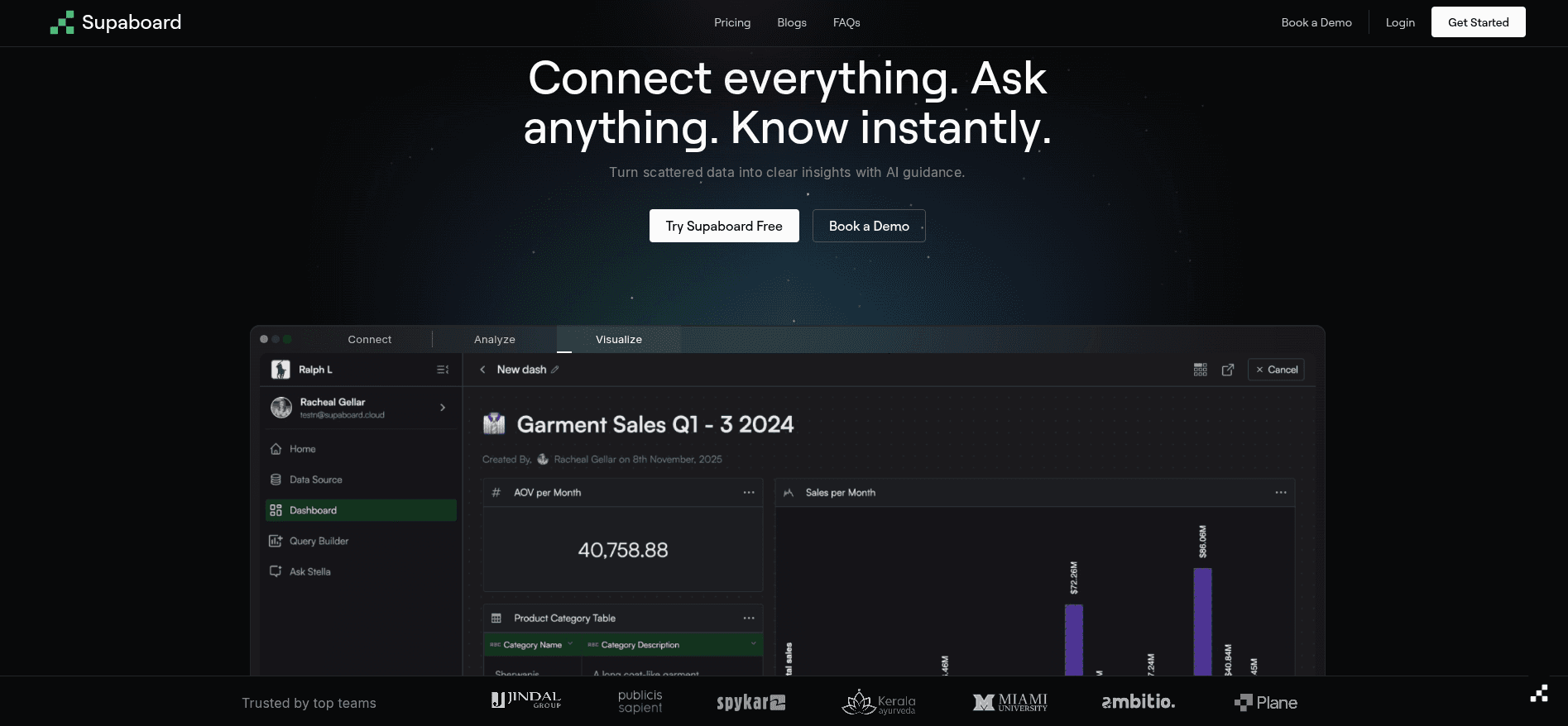
Supaboard is a modern, AI-powered business intelligence platform and a strong Tableau alternative designed for growing teams, and enterprises that want faster insights with less complexity. It combines self-service analytics with developer flexibility, making it suitable for both technical and non-technical users.
Supaboard focuses on helping teams build dashboards quickly while also supporting advanced customization. With features like dashboards-as-code and AI-assisted insights, teams can move beyond static reporting and create analytics that scale across the organization.
Key features:
AI-powered analytics: Automatically generate insights, summaries, and dashboards from data
Self-service BI: Business users can explore data and create dashboards without deep technical knowledge
Dashboards as code: Allows engineering teams to version, customize, and deploy dashboards programmatically
Enterprise-ready: Built to support large teams, complex data models, and production workloads
Flexible embedding: Supports embedding dashboards into internal tools and customer-facing applications
Modern data stack friendly: Works well with cloud data warehouses and existing analytics pipelines
Supaboard is a good choice for organizations that want an AI-native, enterprise-ready Tableau alternative that balances ease of use with powerful customization.
Supaboard vs Tableau
AI-powered dashboards for faster insights
Dashboards-as-code for flexibility
Easier for both technical and non-technical teams
Read more details: Supaboard vs Tableau
Why choose it over Tableau?
Easier implementation
More flexible embedding
Faster time-to-value
2. ThoughtSpot

ThoughtSpot is an AI-powered business intelligence and analytics platform that serves as a modern Tableau alternative, especially for organizations that want self-service analytics without relying heavily on data teams. It is designed to help both technical and non-technical users explore data using natural language instead of building complex dashboards.
ThoughtSpot uses AI-driven search and analytics to let users ask questions like “What were last quarter’s top-performing products?” and instantly get visual, interactive results. This makes it easier for business users to discover insights quickly and make data-driven decisions.
Key features:
Self-service BI for business users and analysts
Handles large and complex datasets efficiently
Connects to cloud data warehouses and spreadsheets
Supports both cloud and on-premise deployments
Embedded analytics for adding search-driven insights into applications
Interactive dashboards (Liveboards) with real-time data exploration
ThoughtSpot is a good choice for teams looking for fast insights, AI-driven data exploration, and an intuitive user experience compared to traditional BI tools like Tableau.
ThoughtSpot vs Tableau
Search-driven analytics for quick answers
Natural language queries instead of manual dashboards
Efficient for large datasets
Read more details: Thoughtspot vs Tableau
3. Metabase
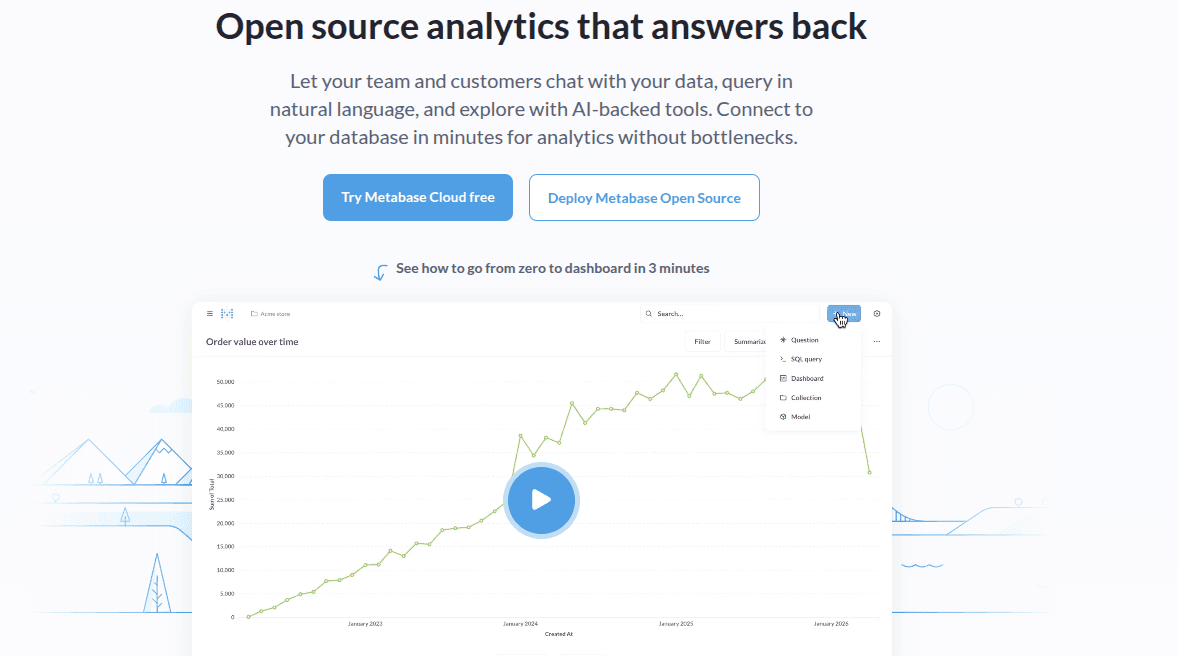
Metabase is an open-source, easy-to-use business intelligence tool and a popular Tableau alternative for teams that want simple, affordable analytics without heavy setup or complexity. It is well suited for startups, small and mid-sized businesses, and data teams that need quick insights rather than highly polished visualizations.
Metabase allows users to explore data, build dashboards, and answer business questions with minimal effort. Its clean interface makes it accessible to non-technical users, while analysts can still use SQL for deeper analysis.
Key features:
Simple and intuitive interface: Easy navigation and dashboard creation for users of all skill levels
Open-source core: Free to self-host, making it a cost-effective option compared to Tableau
Essential visualizations: Supports common chart types such as bar, line, pie, tables, and basic maps
Flexible querying: Drag-and-drop query builder plus SQL editor for advanced users
Embedded analytics: Supports public and secure iframe embedding, though customization is limited compared to embedded-first platforms
Metabase is ideal for teams looking for a lightweight, open-source Tableau alternative that prioritizes simplicity and fast adoption over advanced visual design and deep customization.
Metabase vs Tableau
Free and open-source option
Simple, intuitive interface
Quick setup for SMBs and data teams
Read more details: Metabase vs Tableau
4. Domo
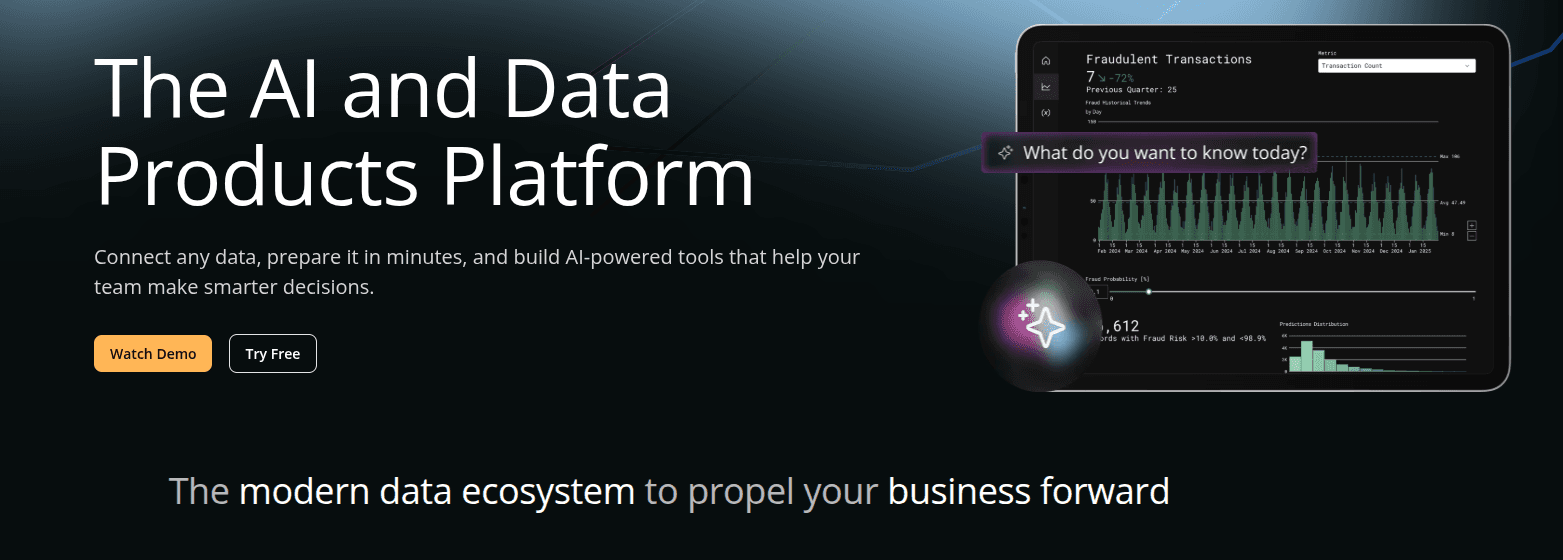
Domo is a cloud-based, end-to-end business intelligence platform designed for organizations that need fast, scalable analytics. It combines data integration, transformation, visualization, and analytics into a single solution, making it a strong Tableau competitor for enterprise use cases.
Domo allows teams to build custom and ad-hoc dashboards using an intuitive interface and a rich library of visualizations. Because it is built natively for the cloud, Domo can process and query large datasets in seconds. In addition to dashboards, Domo also supports no-code and low-code intelligent applications, enabling teams to create custom data-driven apps without heavy engineering effort.
Key features:
Mobile-first experience: Full-featured mobile app for accessing dashboards, creating reports, and monitoring KPIs on any device
Self-service BI: Built-in data science and analytics tools that allow advanced analysis without a technical background
High-performance analytics: Fast query performance on large datasets with fewer steps to insights
Broad integrations: Connects with a wide range of data sources, cloud apps, and business tools
Learning & support: Strong ecosystem with Domo University, an active user community, and a detailed knowledge base
Domo is best suited for enterprises that need real-time analytics, mobile access, and an all-in-one BI platform beyond traditional dashboarding.
Domo vs Tableau
Cloud-native all-in-one BI platform
Real-time data processing
Mobile-first experience
Read more details: Domo vs Tableau
5. Sigma Computing
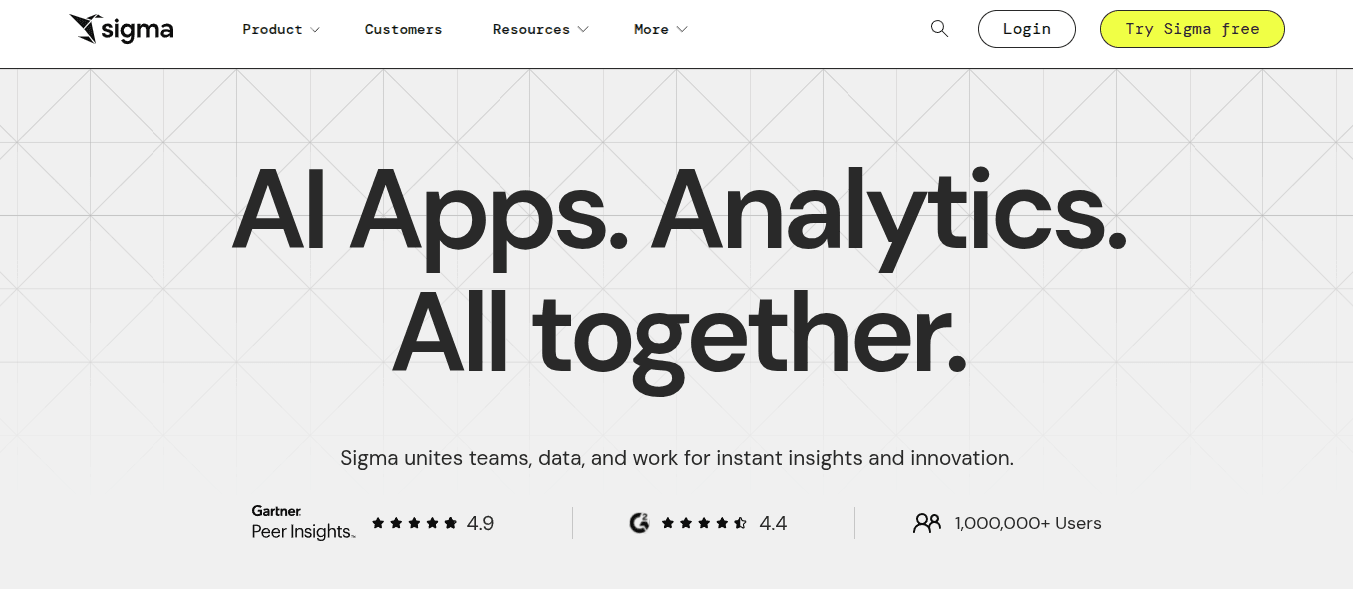
Sigma Computing is a cloud-native analytics platform and a strong Tableau alternative, especially for teams that prefer a spreadsheet-style experience on top of modern data warehouses. It is designed to make advanced analytics accessible to both business users and analysts without requiring SQL or complex modeling.
Sigma connects directly to cloud data warehouses and allows users to explore data in real time using a familiar, Excel-like interface. This approach reduces the learning curve while still supporting powerful analytics on large and complex datasets.
Key features:
Intuitive user experience: Spreadsheet-style interface with drag-and-drop exploration, making analytics accessible to users of all skill levels
Real-time data insights: Live queries on cloud data ensure dashboards and reports always reflect the latest data
Scalable performance: Built to handle large datasets efficiently without performance degradation as data grows
Customizable dashboards: Easily tailor dashboards and reports to match specific business needs and audiences
Cost-effective analytics: Competitive pricing compared to traditional enterprise BI tools
Sigma is best suited for organizations that want the flexibility of spreadsheets combined with the power and scalability of cloud-native analytics.
Sigma Computing vs Tableau
Spreadsheet-style interface for analysts
Real-time queries on cloud warehouses
Easy customization of dashboards
Read more details: Sigma vs Tableau
Cost-Free and Open-Source Tableau Competitors You Should Consider
For teams seeking alternatives to Tableau, some tools provide strong analytics capabilities without the high cost. Metabase is ideal for data teams and SMBs, offering an intuitive interface and SQL support with free and paid options. While Supaboard, ThoughtSpot, Domo, and Sigma Computing are more enterprise-focused, Metabase stands out as a cost-effective, open-source option that allows organizations to create dashboards, visualize data, and run queries efficiently without expensive licenses.
Common Mistakes When Choosing a BI Platform
Choosing the right BI tool is critical for long-term success. However, many businesses make avoidable mistakes during the evaluation process.
1. Focusing Only on Price
Lower cost doesn’t always mean better value. Consider scalability, features, and long-term ROI instead of just upfront pricing.
2. Ignoring Ease of Use
A powerful platform is useless if your team struggles to use it. User adoption is key to BI success.
3. Overlooking Embedded Analytics Needs
If you plan to integrate dashboards into your product, make sure the tool supports flexible embedding.
4. Not Considering Data Scalability
Some tools perform well with small datasets but slow down as data grows.
5. Skipping Real-World Testing
Always test with your own data before committing. Demos don’t always reflect real performance.
Avoiding these mistakes will help you choose a BI platform that supports growth, improves decision-making, and delivers long-term value.
Frequently Asked Questions (FAQ)
1. What are the best Tableau software competitors?
Top Tableau competitors include Microsoft Power BI, Qlik Sense,Supaboard, Looker, Domo, and Sisense. These tools offer similar features like data visualization, dashboards, and analytics, while differing in pricing, scalability, integrations, and support for real-time or cloud-based data environments.
2. Why do businesses look for Tableau alternatives?
Businesses look for Tableau alternatives due to high pricing, complexity for non-technical users, and limited real-time data capabilities. Many modern BI tools provide easier interfaces, better cloud integration, and flexible pricing, making them more suitable for fast-growing and data-driven organizations.
3. Which Tableau competitor is best for real-time analytics?
Tools like ThoughtSpot, Power BI (with DirectQuery), Supaboard, and Looker are strong options for real-time analytics. They connect directly to live data sources, enabling faster insights and more responsive decision-making compared to traditional batch-based BI systems.
4. Are there more affordable alternatives to Tableau?
Yes, tools like Microsoft Power BI, Metabase, and Apache Superset are more affordable alternatives. They offer core BI features such as dashboards and reporting at a lower cost, making them ideal for startups and small to mid-sized businesses.
5. What features should you look for in a Tableau competitor?
When choosing a Tableau alternative, look for real-time data connectivity, ease of use, strong integrations, scalability, and advanced analytics capabilities. Features like AI-driven insights, self-service dashboards, and flexible pricing are also important for modern data teams.
6. Is Tableau better than its competitors?
Tableau is a powerful BI tool known for advanced data visualization. However, competitors may offer advantages in pricing, real-time data access, ease of use, or cloud-native capabilities, depending on specific business needs.
7. What is the easiest Tableau alternative for beginners?
Tools like Power BI, Looker Studio, and Metabase are considered beginner-friendly due to their intuitive interfaces, simple setup, and strong community support, making them easier to adopt compared to more complex BI platforms.
Conclusion
Tableau remains a leading business intelligence tool, but many organizations are actively exploring Tableau software competitors to overcome challenges related to pricing, complexity, and limited real-time data capabilities.
Modern BI tools like ThoughtSpot, Domo, Sigma Computing, Supaboard and Metabase offer flexible, scalable, and user-friendly alternatives. These platforms support real-time analytics, better data connectivity, and easier adoption across teams, making them suitable for a wide range of business use cases.
For startups and budget-conscious teams, Metabase provides a cost-effective, open-source business intelligence solution with essential dashboard and reporting features. On the other hand, enterprises looking for advanced capabilities can benefit from AI-powered BI tools and modern data platforms that enable faster insights and improved decision-making.
Choosing the right Tableau alternative depends on your specific needs, including scalability, ease of use, integrations, and real-time data access. By evaluating the best Tableau competitors, businesses can build a more efficient, data-driven analytics stack and unlock greater value from their data.