Introduction: Choosing the Right SaaS Business Intelligence Platform
Choosing the right SaaS business intelligence platform is no longer just about dashboards. It’s about finding a solution that aligns with your data sources, business goals, decision-making workflows, and the people who use it every day. Teams must evaluate key factors such as integrations, scalability, security, flexibility, and ease of use before shortlisting vendors. That’s why many companies exploring modern BI solutions often compare Supaboard vs Domo both promising faster insights but with different approaches.
This guide is designed for data leaders, BI owners, IT teams, RevOps professionals, and enterprises looking for a clear, practical comparison to make an informed decision.
What is Domo? (Domo Business Intelligence Overview)
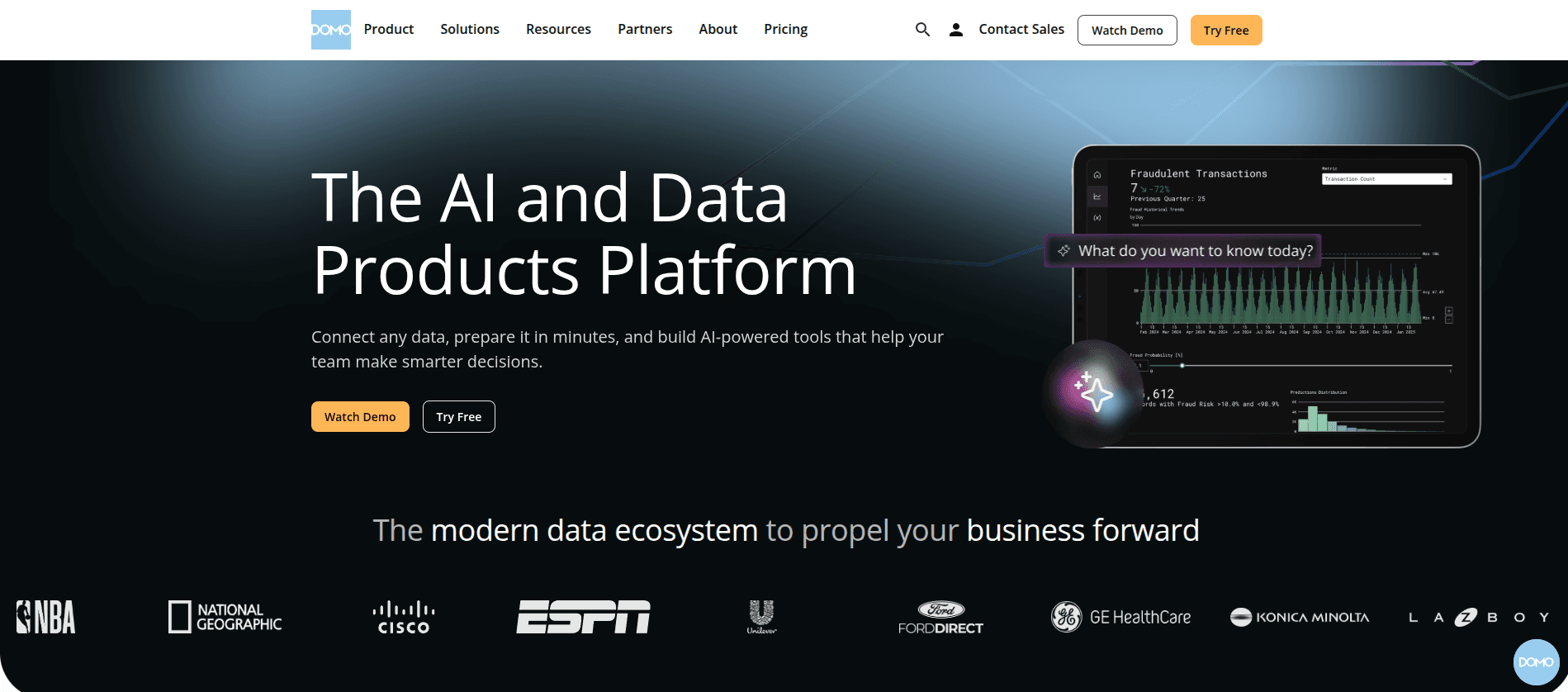
Domo is a cloud-based business intelligence (BI) and data visualization platform designed to help organizations turn raw data into actionable insights. As a modern Domo business intelligence solution, it combines robust data integration, customizable dashboards, AI-powered analytics, and real-time collaboration tools. Users can securely access insights anytime through the Domo login, enabling teams to explore data, share reports, and make faster, data-driven decisions from a single cloud platform.
What is Supaboard?
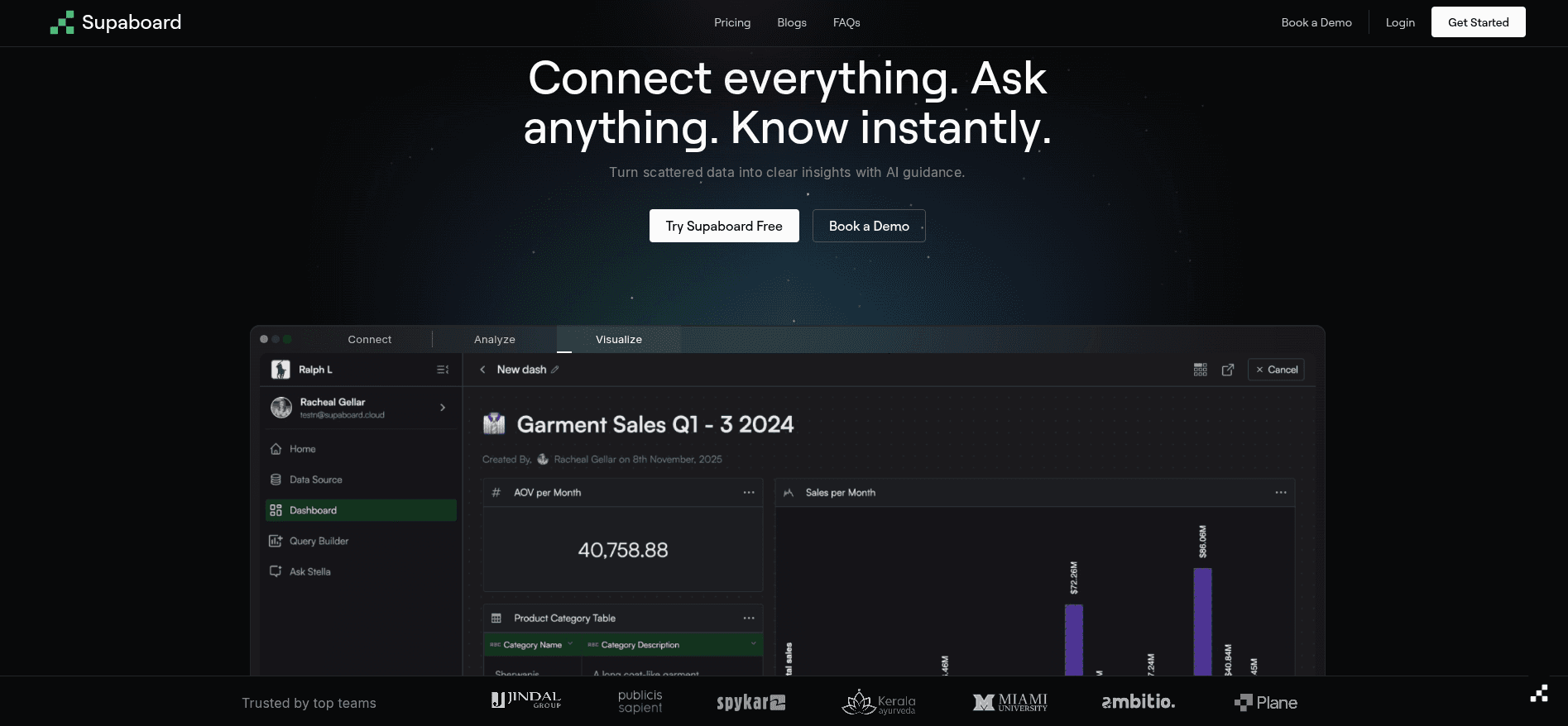
Supaboard is a no-code, AI-powered SaaS business intelligence platform built for everyone, from startups to large enterprises. It enables teams to create real-time, interactive dashboards and get instant insights using plain English, without technical expertise. Supaboard unifies data from multiple sources, supports conversational AI queries, and allows live dashboards to be embedded and shared, making data-driven decision-making faster and easier across the organization.
Platform Architecture & Data Connectivity
Domo Data Architecture
Domo Connections Tour: Access a library of cloud connectors, APIs, and pipelines to bring data from CRMs, finance systems, marketing tools, and databases with real-time or scheduled refreshes.
Domo Workbench: Handles secure on-premise and batch-based data ingestion for hybrid setups.
ETL & Governance: Built-in ETL and transformation tools allow data modeling, while governance ensures accuracy, security, and compliance.
Supaboard Data Architecture
Automated Ingestion & Schema Understanding : AI automatically ingests and organizes data from multiple sources.
Low Setup & Maintenance: No-code interface lets teams connect data and create dashboards without heavy IT involvement.
Faster Time to Value: Enterprise teams move from raw data to actionable insights in hours instead of weeks.
Dashboarding & Analytics Capabilities
Domo Dashboards
Custom Dashboard Creation: Flexible layouts tailored to team KPIs
Interactive Visualizations: Drill down into charts, tables, and graphs
Domo Dashboard Examples: Pre-built templates and Domo dashboard examples help teams create dashboards for sales, marketing, finance, and operations
Supaboard Dashboards
AI-Generated Dashboards: Automatic dashboards based on your data
Natural Language Analytics: Ask questions in plain English and get visual answers
Supaboard Dashboard Examples: Pre-built and AI-generated Supaboard dashboard examples highlight trends, anomalies, and patterns for faster insights
Editions, Plans & Pricing: Domo Pricing vs Supaboard
Domo Editions & Pricing
Domo SE & Other Editions: Advanced enterprise edition with enhanced security and scalability; other editions provide standard analytics features.
Domo Pricing: Usage-based pricing depends on users, data volume, and features, which can be difficult to estimate.
Pricing Challenges: Enterprises may face unpredictable costs due to scaling data and feature add-ons.
Supaboard Pricing Model
Transparent Pricing: Clear plans with no hidden costs
Lower Total Cost of Ownership: Minimal setup and AI-driven automation reduce expenses
Enterprise-Ready Scaling: Supaboard pricing grows with your organization, making it suitable for startups and enterprises
Ease of Use & Adoption at Enterprise Scale
Domo
Learning Curve: Steeper due to flexibility and advanced features
Dependency on BI Teams: Requires BI or IT support for dashboards and ETL
Ongoing Maintenance: Data pipelines and dashboards need regular updates
Cross-Functional Adoption: Adoption can be slower due to complexity
Supaboard
Minimal Learning Curve: Designed for business users
Self-Serve Analytics: Teams can create dashboards and ask questions independently
Low Maintenance Effort: AI handles ingestion, insights, and schema understanding
Enterprise-Wide Adoption: Faster adoption across departments due to simplicity
Supaboard vs Domo: Feature Comparison
Feature | Domo | Supaboard |
Target Customer | Enterprises, large teams, BI-heavy organizations | Startups to enterprises, cross-functional teams |
Data Onboarding Speed | Moderate – ETL setup and connector configuration | Fast – AI-driven automated ingestion |
Dashboard Creation Method | Manual dashboards; pre-built templates available | AI-generated dashboards; natural language queries |
AI & Automation | Limited automation for alerts and data prep | Strong AI for dashboards, insights, and anomaly detection |
Governance & Permissions | Advanced governance and role-based permissions | Simplified governance; minimal admin effort |
Pricing Transparency | Complex, usage-based; Domo SE for enterprise scale | Transparent, scalable Supaboard pricing |
Time-to-Insight | Weeks to set up dashboards and ETL workflows | Hours, instant dashboards and AI-driven insights |
Want to see how Supaboard works with your data? Start a free trial.
Why Enterprises Switch from Domo to Supaboard
Common reasons for reevaluation:
Dashboard Sprawl: Too many dashboards, hard to find relevant insights
High Operational Overhead: Manual ETL and BI team dependency
Long Time-to-Value: Slow dashboard setup delays insights
Cost vs Usage Mismatch: Scaling costs in Domo can be unpredictable
How Supaboard Helps:
AI-generated dashboards and automated pipelines reduce manual work
Real-time insights accelerate decision-making
Transparent Supaboard pricing makes cost management easier
When to Switch:
Teams need faster insights across departments
BI teams are overloaded with maintenance
A cost-predictable, enterprise-ready solution is required
Supaboard vs Domo in Use Cases
Domo Use Case
A mid-sized company needed to track sales across multiple regions. Spreadsheets and scattered dashboards caused delays.
Solution: Centralized data, custom dashboards, and interactive visualizations.
Impact: Faster reporting, better visibility, and streamlined collaboration.
Supaboard Use Case
A US-based Revenue Cycle Management (RCM) company struggled with slow analysis timelines and manual processes.
Challenges: Operational inefficiencies, delayed insights, revenue impact
Solution: Unified claims, billing, and accounts receivable data; real-time dashboards; automated reporting
Impact: Tasks reduced from 4 hours to 2–3 minutes, analysis costs cut by 90%, and faster decision-making across teams
Supaboard, Domo, and the BI Competitive Landscape
Major Domo Competitors: Tableau, Power BI, Looker, and modern AI-native BI tools.
Positioning:
Domo: Strong for enterprises needing advanced governance, customizable dashboards, and hybrid data integration
Supaboard: AI-powered SaaS business intelligence for teams seeking faster insights, automated dashboards, and easier adoption
Want a broader view of the BI landscape? Read our complete guide on the Top 10 Business Intelligence (BI) Tools to explore leading platforms, trends, and how they compare.
Final Verdict: Supaboard vs Domo
Key Differences:
Dashboarding: Domo is manual; Supaboard is AI-driven
Data Onboarding: Domo requires ETL; Supaboard automates ingestion
Maintenance & Adoption: Domo requires BI team support; Supaboard enables self-serve analytics
Pricing: Domo can be complex; Supaboard offers transparent, scalable plans
Decision Framework:
Choose Domo: Large enterprises needing full governance and custom dashboards
Choose Supaboard: Teams seeking faster insights, lower overhead, AI-driven dashboards, and enterprise-ready SaaS business intelligence
Conclusion & Next Steps
The future of BI is moving toward AI-driven, self-serve analytics. mEnterprise analytics is shifting toward automation, accessibility, and faster decision cycles. The right BI platform depends on how your organization balances control, speed, and usability.
If your teams are ready to move from dashboard maintenance to insight-driven action, Supaboard offers a modern path forward.