Top AI Productivity Tools for Business to Save Time and Work Smarter (2026)
Looking for the best AI tools for business? Compare top tools for analytics, content, and automation with real examples, pros, cons, and pricing to choose the right one.




Introduction
Most businesses don’t struggle to find AI tools anymore, they struggle to find ones that actually make a difference. Teams are signing up for new platforms every week, testing features, and still ending up in the same place: switching tabs, fixing outputs, and spending hours on work AI was supposed to reduce. The real problem isn’t access, it’s clarity on which tools genuinely improve how work gets done.
In 2026, AI productivity is no longer about generating more output, it’s about improving how work flows. Research shows executives now use AI for around 40% of their daily tasks, with another 20% relying on it for more than half. Yet only 23% of organizations are seeing productivity gains at scale, despite heavy investment. The gap is clear: AI only creates value when it’s embedded into workflows, not layered on top of them.
For AI tools to truly deliver value, they need to run on a solid, scalable backend. Many businesses choose to hire Laravel developers from Acquaint Softtech to build robust web applications and APIs that seamlessly integrate AI tools into their existing workflows, ensuring smooth performance, data security, and long-term scalability.
That’s why choosing the best AI tools for business is no longer about trying everything new. It’s about selecting tools that reduce friction, connect with your existing systems, and help teams move from task to outcome faster. In this guide, we break down the best AI tools based on real use cases, analytics, content, productivity, and project management, so you can focus on what actually works, not just what’s trending.
Best AI tools by category:
Best AI apps for content creation (Jasper, ChatGPT, Copy.ai, Writesonic, Anyword)
Best AI tools for business analytics (Supaboard, Tableau, Power BI, Qlik.)
Best AI tools for image and video creation (Google Veo, Runway, Luma Labs, InVideo AI and HeyGen)
Best AI tools for business productivity (Supaboard, Zapier AI, Claude Pro, Notion AI, Grammarly AI)
Best project management tools (Asana, ClickUp, Monday.com, Jira, Smartsheet, Trello)
Best AI Apps for Content Creation
(Quick Comparison)
Tool | Best For | Key Strength | Limitation | Starting Price |
|---|---|---|---|---|
Jasper | Marketing teams & agencies | Brand voice + workflows | Expensive for small teams | $69/month |
Copy.ai | Short-form content | Fast content generation | Generic output sometimes | Free / $36 |
Writesonic | SEO content & blogs | SEO + long-form content | Costly at scale | $249/month |
Anyword | Performance marketing | Predictive copy scoring | Limited long-form content | $49/month |
ChatGPT | General content & ideas | Versatile + flexible | Needs editing for quality | Free / $20 |
Jasper | Put AI agents to work for marketing
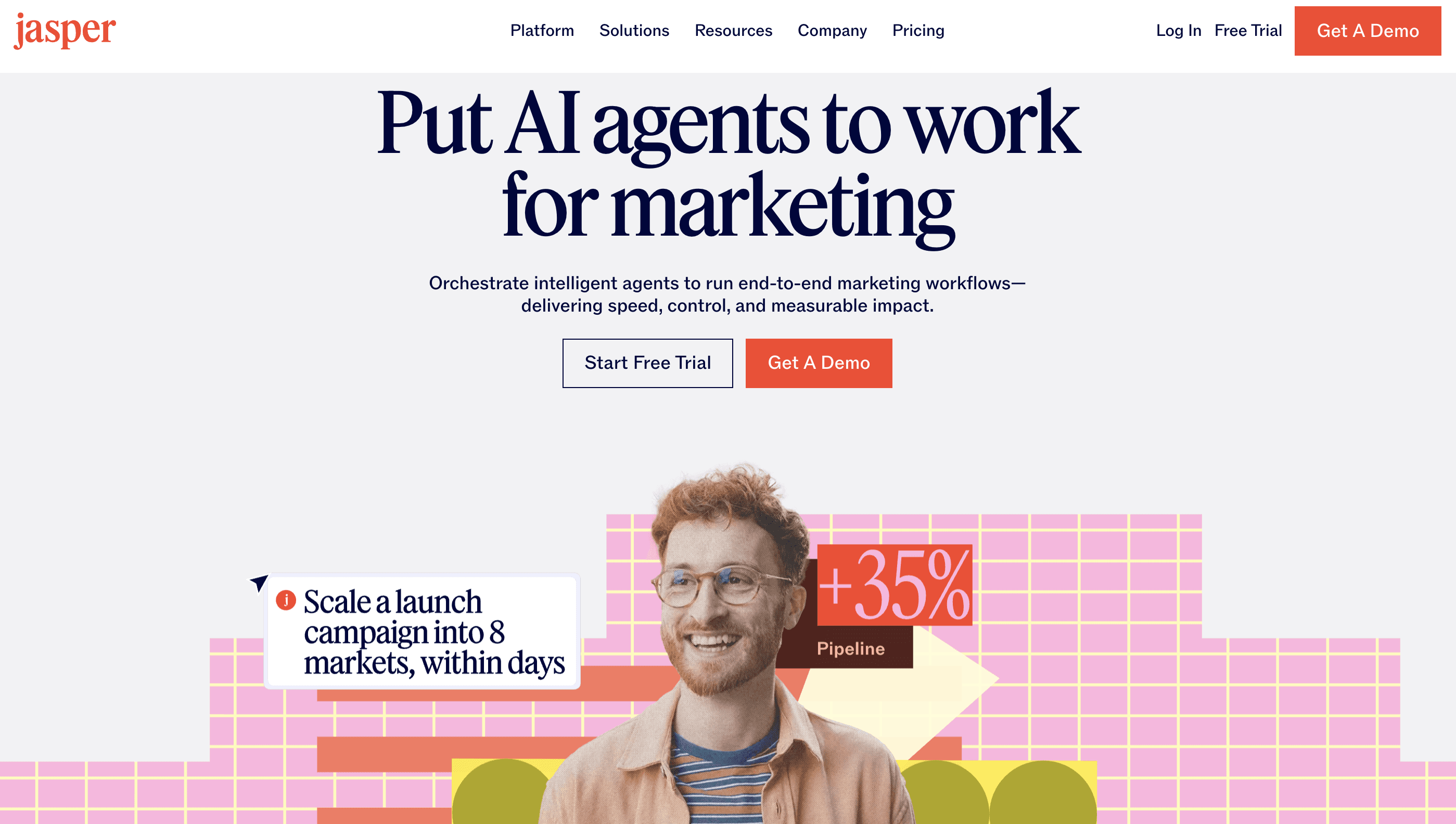
Jasper.ai is an AI-powered marketing platform and content creation tool designed to automate workflows for marketers and businesses. It specializes in generating high-quality text, including SEO blog posts, social media updates, and ad copy, while maintaining a consistent brand voice across content.
Examples of Jasper AI:
Jasper AI helps with marketing copywriting, SEO content creation, maintaining brand voice, repurposing content across formats, and automating workflows, making it easier for teams to create consistent, scalable, and high-quality content efficiently.
Key Features of Jasper AI
Specialized AI Agents: 100+ agents for different marketing tasks and content needs
Brand Voice Customization: Learns tone and style to maintain consistent brand messaging
Marketing Templates: Pre-built templates for ads, blogs, emails, and campaigns
Integrations: Connects with tools like Surfer SEO and Grammarly for better performance
Best for:
Marketing teams, agencies, and growing businesses that need to produce large volumes of consistent, brand-aligned content across multiple channels while maintaining quality, speed, and workflow efficiency.
Advantages of Jasper:
Maintains a consistent brand voice across all content, which is critical for scaling marketing
Built specifically for marketing workflows like ads, campaigns, and landing pages
Reduces time spent on content creation, especially for repetitive campaign tasks
Helps teams standardize output across multiple writers and channels
Cons of Jasper:
Pricing can be high compared to more flexible tools like ChatGPT
Less adaptable for general-purpose use beyond marketing content
Requires initial setup (brand voice, workflows) to get the best results
Jasper AI Pricing:
7 Day Free Trial
Starts around $69/month
Custom pricing for Business/Teams
Check Jasper AI Pricing
Copy.ai | The First AI-Native GTM Platform
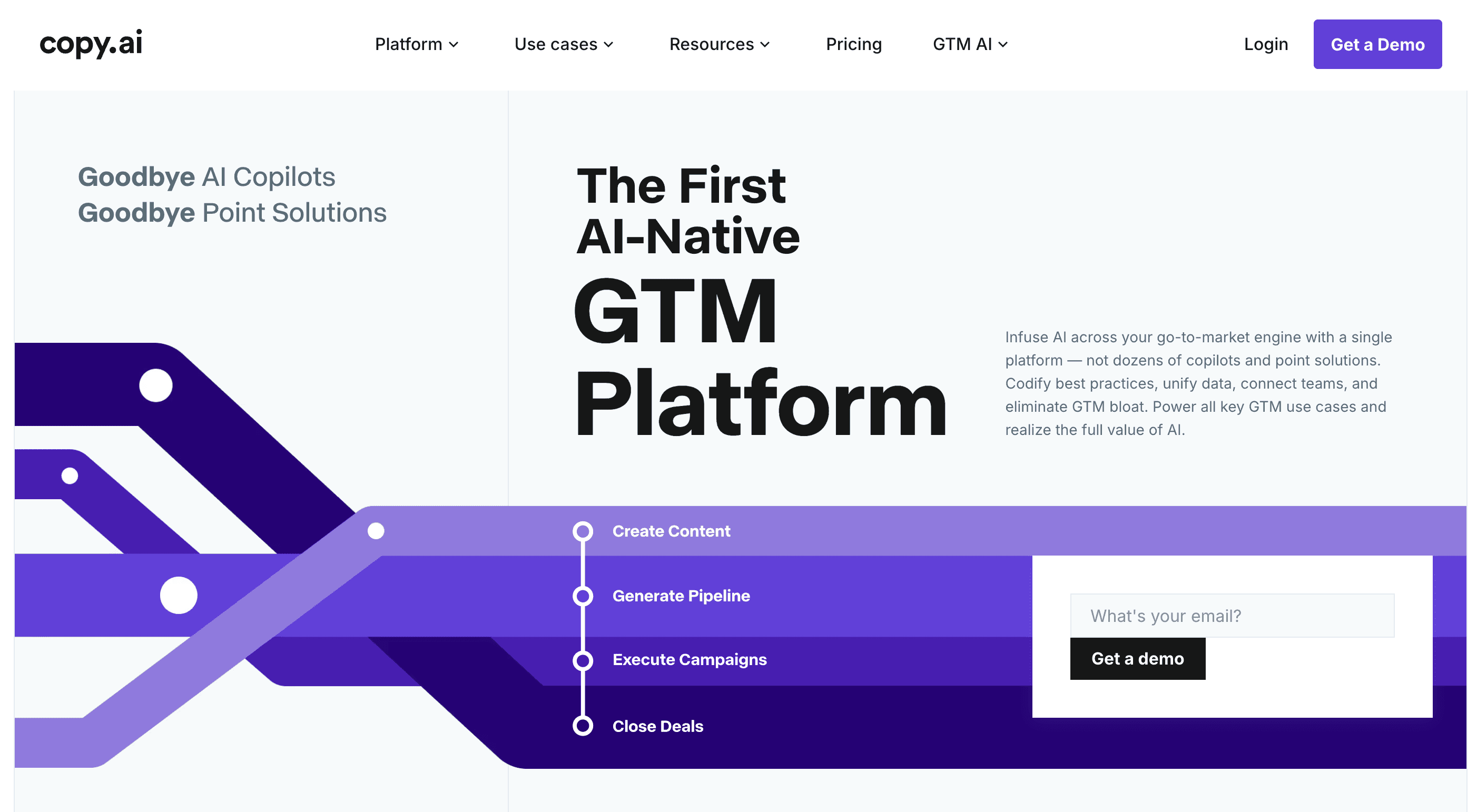
Copy.ai is an AI content tool designed for marketers and sales teams to create content quickly. It specializes in short-form content like social posts, emails, and product descriptions, helping teams generate ideas, speed up workflows, and reduce time spent on repetitive writing tasks.
Example of Copy.ai
Generate Instagram captions, product descriptions, or LinkedIn outreach messages instantly. Create blog drafts, automate email sequences, repurpose content, and adapt messaging across formats, helping teams scale content production quickly and efficiently.
Key Features of Copy.ai
Short-Form Content Generation: Quickly creates social posts, emails, and product descriptions at scale
Marketing & Sales Templates: 90+ templates designed for campaigns, outreach, and conversion-focused content
Brand Voice & Infobase: Stores brand guidelines to maintain consistent tone across all content
Workflow Automation: Automates repetitive content tasks, improving speed and team productivity.
Copy.ai Best for:
Small teams, startups, and growing businesses that need to quickly create high-volume marketing and sales content without heavy resources, while maintaining speed, consistency, and efficiency across multiple channels.
Advantages of Copy.ai:
Extremely fast for generating short-form content like emails, ads, and social posts
Offers a wide range of templates, making it easy to start without overthinking
Helps teams overcome writer’s block and maintain consistent output
Useful for scaling content production without needing a large team
Cons of Copy.ai:
Content can feel generic or repetitive without proper editing and direction
Not ideal for deep, long-form content that requires strong originality
Limited customization compared to more advanced or flexible AI tools
Still requires human input to ensure accuracy and brand alignment
Copy AI Pricing:
Free plan available
Paid plans start around $36/month
Check copy ai pricing
Writesonic | AI Search Visibility Tracking & Optimization Platform
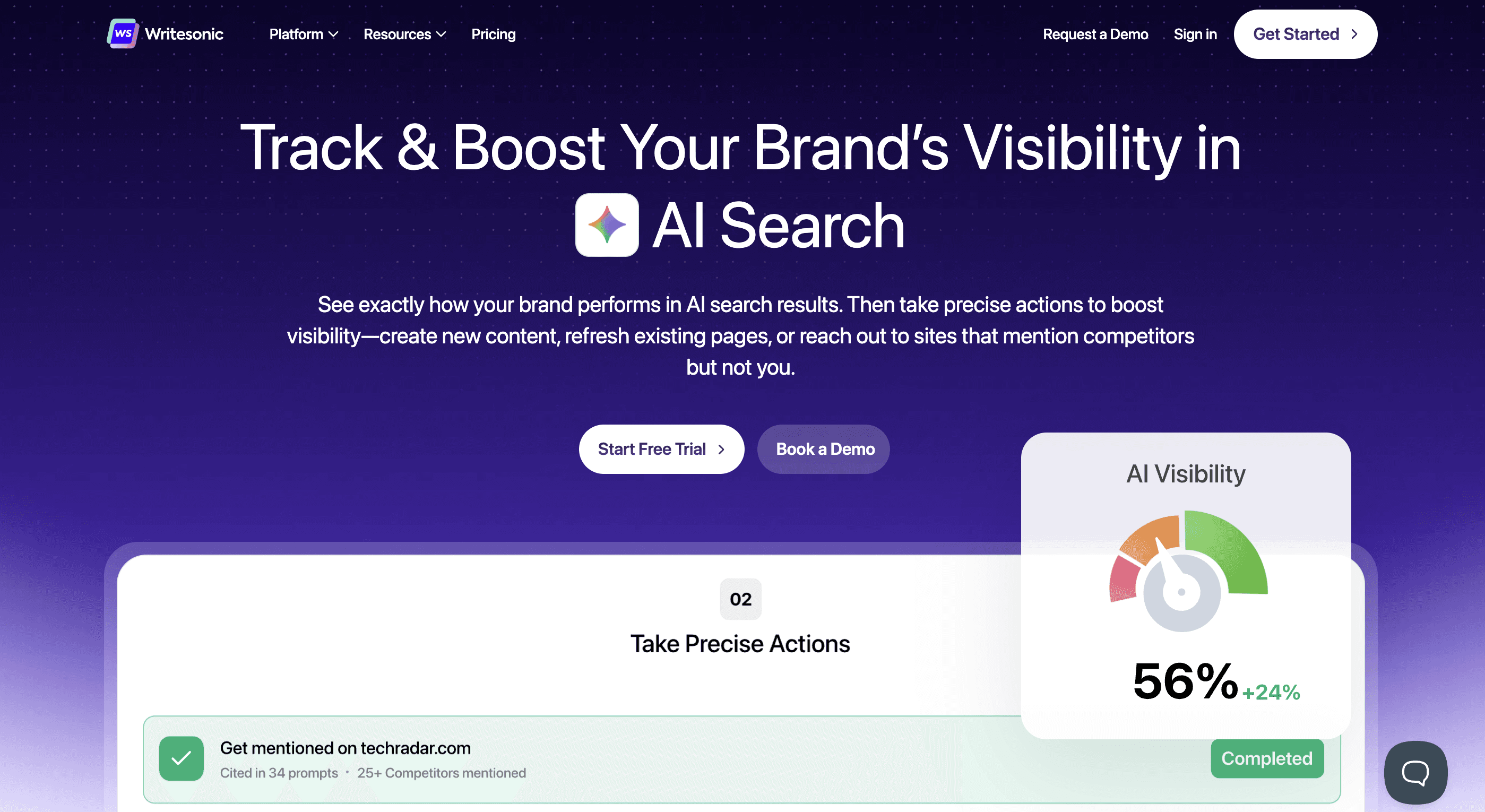
Writesonic is an AI content and SEO tool designed to help businesses create blog posts, landing pages, and marketing content faster. It focuses on search optimization, using real-time data and AI to improve visibility on Google and AI search platforms. It’s especially useful for teams looking to scale SEO content without spending hours writing manually.
Example of Writesonic:
Generate SEO blog posts, ad copy, product descriptions, and social media content in minutes. Create long-form articles, landing pages, and marketing campaigns optimized for search and conversions.
Key Features
AI Content Creation: Generates SEO blogs, ads, and landing pages quickly from simple prompts
SEO & GEO Optimization: Improves rankings with keyword suggestions and AI search visibility
Chatsonic Assistant: Real-time AI with Google data for updated, accurate content
Workflow Integrations: Connects with WordPress, Chrome, and automation tools for seamless publishing.
Advantages of Writesonic:
Strong SEO capabilities with built-in keyword research and content optimization tools
Generates high-quality long-form content, useful for scaling blog production
Supports multiple content types like ads, landing pages, and emails
Includes Chatsonic for real-time, updated content with search integration
Cons of Writesonic:
Content can feel generic or repetitive without proper editing
Advanced features and heavy usage can become expensive over time
Interface and features may feel overwhelming for beginners
Requires fact-checking, as AI can sometimes generate inaccurate information
Writesonic Pricing:
Basic Plan: Starts at $249/month, suitable for individuals and small teams
Growth Plan: Around $499/month, designed for scaling teams and higher content needs
Enterprise Plan: Custom pricing for large organizations with advanced requirements
Anyword
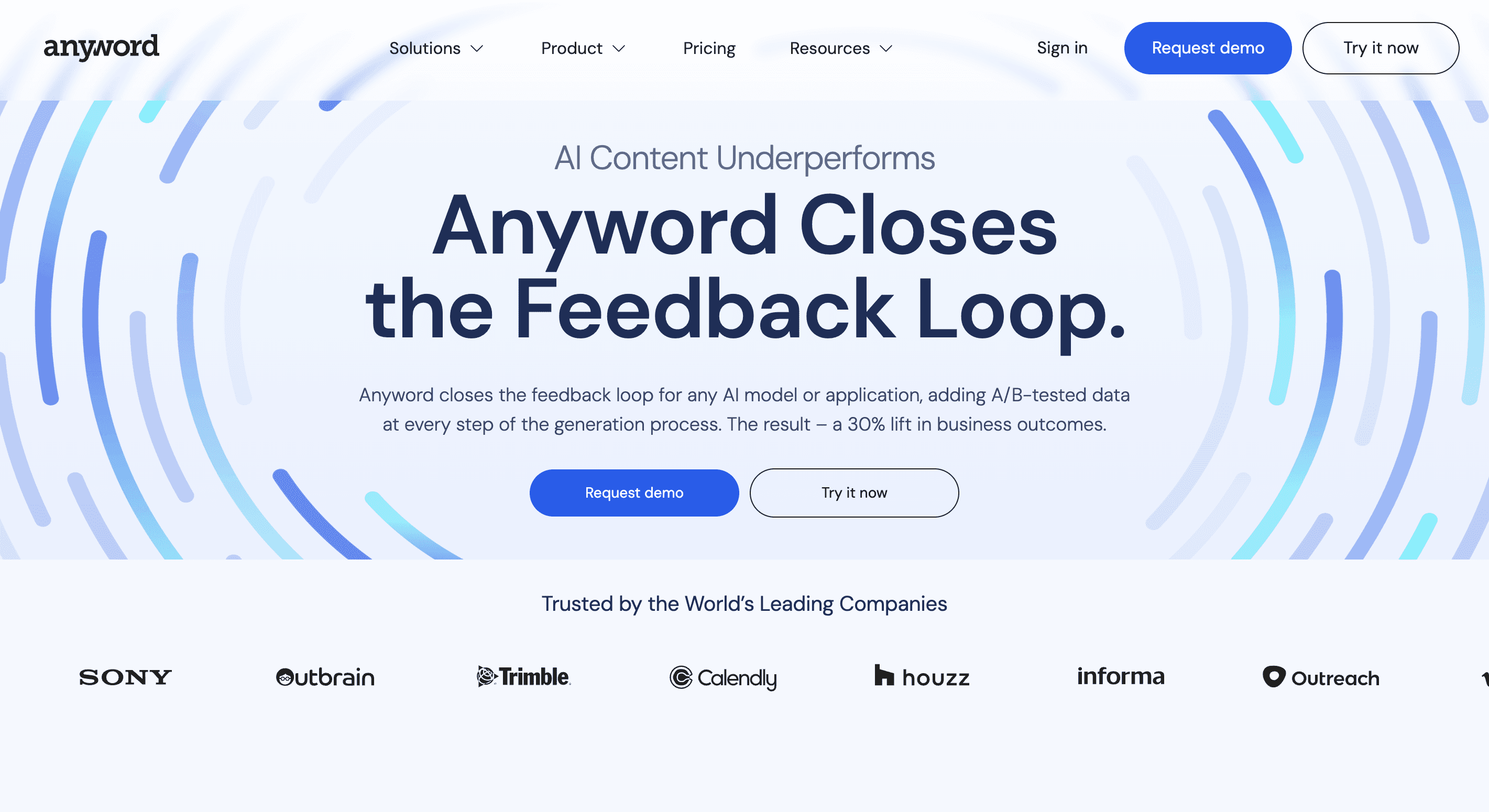
Anyword is an AI-powered copywriting and content intelligence platform built for marketing teams that care about performance, not just content. It uses predictive analytics and historical data to generate and score content, helping you choose versions that are more likely to drive clicks, conversions, and engagement.
Example of Anyword
Generate ads, blogs, and landing pages with performance scores and brand-consistent optimization.
Key Features
Predictive Performance Scoring: Scores content to estimate clicks, conversions, and engagement before publishing
Ad & Marketing Copy Generation: Creates high-converting ads, emails, and landing page copy quickly
Audience Targeting: Tailors content based on specific personas, improving relevance and messaging
Data-Driven Optimization: Uses real marketing data to refine and improve content performance
Brand Voice Customization: Maintains consistent tone across all content using brand guidelines.
Anyword Best for:
Performance marketers and paid ads teams creating high-converting ad copy, landing pages, and campaigns. Ideal for scaling content quickly while using predictive insights and brand voice for better results.
Advantages of Anyword:
Uses predictive performance scoring to identify high-converting copy before publishing
Generates conversion-focused ad copy, landing pages, and email campaigns at scale
Provides data-backed insights based on real marketing performance, not just AI output
Maintains consistent brand voice across campaigns, improving messaging clarity and trust
Helps marketers optimize content for clicks, conversions, and ROI
Cons of Anyword:
Higher pricing compared to general-purpose AI tools, especially for small teams
Primarily focused on short-form and ad copy, limiting long-form content use
AI output may feel repetitive or generic without manual refinement
Requires setup and learning to fully utilize advanced performance features
Anyword Pricing:
Starter: $49/month (for individuals & freelancers)
Data-Driven: $99/month (for small teams)
Business: Custom pricing
Enterprise: Custom pricing
ChatGPT

ChatGPT is a versatile AI assistant used for writing, idea generation, and problem-solving. It helps create blogs, emails, and social content quickly, making it useful for teams and individuals looking to improve productivity and streamline everyday tasks.
Key Features
Content Generation: Creates blogs, emails, and social content from simple prompts
Idea & Planning Support: Helps with brainstorming, outlines, and content strategy
Content Editing: Rewrites, improves, and refines existing content easily
Multi-Format Support: Adapts tone and format for different use cases and audiences.
Advantages of ChatGPT:
Extremely versatile, works across blogs, emails, research, and strategy
Easy to use with simple prompts, no technical setup required
Speeds up content creation and idea generation significantly
Flexible across different tones, formats, and industries
Cons of ChatGPT:
Output can feel generic without clear, well-structured prompts
Requires editing to ensure quality, accuracy, and brand alignment
May produce outdated or incorrect information without verification
Lacks built-in SEO or performance-focused optimization compared to specialized tools
ChatGPT Pricing:
Personal Plans
(Go): $8/month
Plus: $20/month
Pro: $200/month
Business Plans
Personal Plan (India): ₹1999/month ≈ $24/month
Business Plan (India): ₹2599/month ≈ $31/month
Best AI tools for business analytics
(Quick Comparison)
Tool | Best For | Key Strength | Limitation | Starting Price |
|---|---|---|---|---|
Supaboard | Fast insights without SQL | Natural language + instant answers | Needs clean data | $71/month |
Qlik | Deep data exploration | Associative data model | Complex + expensive | Custom |
Power BI | Microsoft ecosystem users | Affordable + strong integration | Manual setup + learning curve | Free / $10 |
Tableau | Advanced data visualization | Powerful visuals + analysis | Expensive + less beginner-friendly | $75/month |
Supaboard | Transform Your Data into Strategy with AI
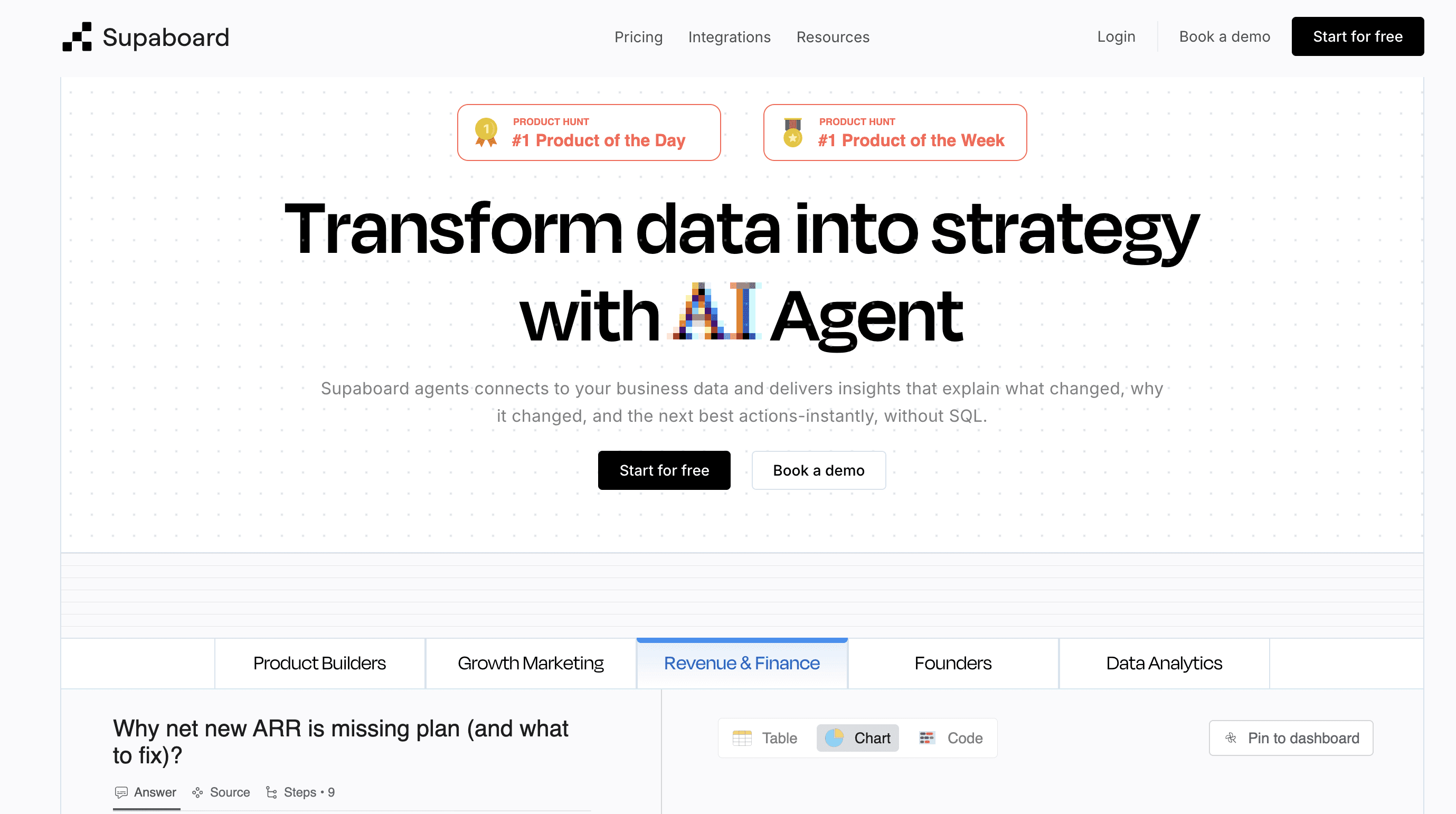
Supaboard is an AI-powered business analytics platform that helps teams get instant answers from their data without SQL. Instead of building dashboards, users can ask questions in natural language and generate insights, reports, and visualizations in seconds making it ideal for startups and SaaS teams needing fast, actionable decision-making.
Example of Supaboard
Ask: “Which campaigns drove the highest revenue last month?” Supaboard instantly generates a detailed breakdown with visualizations, channel-level performance, and key insights, helping teams analyze results and make faster, data-driven decisions without dashboards or SQL.
Key Features
Natural Language Queries: Ask questions in plain English and get instant charts, dashboards, and insights
Multi-Source Integration: Connects with databases, SaaS tools, and cloud warehouses to unify data
Automated Dashboards: Generates visual reports automatically without manual setup
Advanced Insights (AI Analysis): Identifies trends, patterns, and possible reasons behind changes in data
No-Code Customization: Create filters, metrics, and data views without technical expertise
Supaboard Best for:
Founders, SaaS teams, mid-market and enterprise teams needing fast data answers without analysts or technical expertise, using simple, intuitive tools.
Advantages of Supaboard:
Enables users to get insights using natural language instead of writing SQL queries
Eliminates manual dashboard building by generating charts and reports automatically
Saves significant time on reporting, analysis, and data exploration
Accessible for non-technical teams like marketing, sales, and operations
Connects directly with multiple data sources for unified analysis
Cons of Supaboard:
Requires clean and well-structured data for accurate insights
Fewer advanced customization options compared to traditional BI tools
Still evolving compared to more established platforms like Tableau or Power BI.\
Supaboard Pricing:
Free Trial: 14-day free trial available
Individual Plan: $71/month
Business Plan: $191/month
Enterprise Plan: Custom pricing
Qlik |Agentic AI for Analytics | AI-Powered Analytics
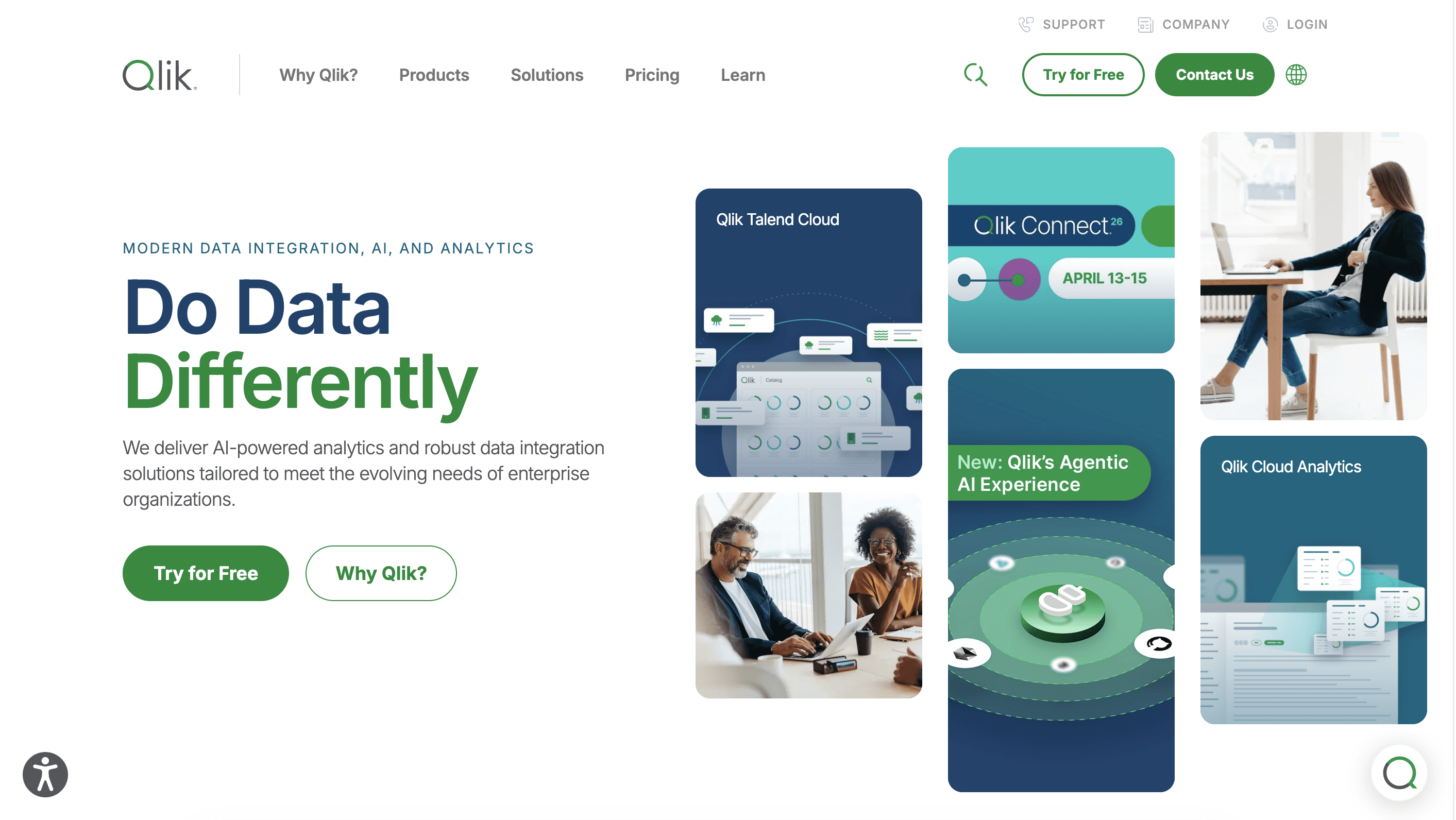
Qlik is a business intelligence and data analytics platform that helps users explore, visualize, and analyze large datasets through interactive dashboards. Tools like Qlik Sense enable self-service analytics without heavy coding, making it easier for teams to uncover insights, track performance, and support data-driven decision-making across organizations.
Example:
Create a sales dashboard in Qlik Sense to track revenue by region, filter by time period, and identify top-performing products, helping teams analyze trends and make data-driven decisions quickly.
Key Features
Interactive Dashboards: Create dynamic visualizations that update instantly based on user inputs
Associative Data Model: Explore data freely by connecting related and unrelated data points in real time
AI-Powered Insights: Uses machine learning to suggest trends, patterns, and automated visualizations
Self-Service Analytics: Enables users to build reports and dashboards without technical expertise.
Qlik is Best for:
Businesses, mid-market, and enterprise teams that need deeper data exploration, flexible analytics, and the ability to uncover complex insights across large and diverse datasets.
Advantages of Qlik:
Flexible data exploration with associative model to uncover hidden insights
Handles large, complex datasets with fast in-memory processing
Strong data integration across multiple sources for unified analysis
Enables interactive dashboards with self-service capabilities for business users
Cons of Qlik:
Steep learning curve for advanced features like scripting and data modeling
Higher cost compared to many modern BI tools, especially for scaling teams
Requires technical effort for complex data transformations (ETL)
Limited out-of-the-box customization for advanced dashboard design
Qlik Pricing:
Free Trial: 30-day free trial available
Pricing: Not publicly listed, businesses need to contact Qlik for detailed pricing
Enterprise: Custom pricing based on requirements
Power BI
Power BI is a business intelligence platform by Microsoft that helps businesses connect, analyze, and visualize data through interactive dashboards and reports. It supports both self-service analytics and enterprise BI, making it widely used for tracking performance and decision-making.
Example:
Build a dashboard to track monthly sales, profit trends, and region-wise performance using real-time data from Excel or databases.
Key Features
Drag-and-Drop Dashboards: Create interactive reports without heavy coding
Power Query Editor: Clean, transform, and prepare data efficiently
AI & Copilot Insights: Generate reports and insights using AI assistance
Microsoft Integration: Works seamlessly with Excel, Azure, and other Microsoft tools
Best for:
Businesses, mid-market, and enterprise teams already using Microsoft tools and needing structured reporting, data visualization, and centralized analytics.
Advantages of Power BI:
Cost-effective with a free version and affordable paid plans
Strong integration with Microsoft ecosystem (Excel, Azure, SQL Server)
Supports a wide range of data sources and real-time updates
Enables advanced analytics with DAX and data modeling capabilities
Cons of Power BI:
Requires manual dashboard creation and setup
Can slow down with very large or complex datasets
Learning advanced features (like DAX) takes time
Works best within Microsoft ecosystem, less flexible outside it
Power BI Pricing:
Free: Basic usage for individuals
Pro: $10/user/month (for sharing and collaboration)
Premium (Per User): $20/user/month (advanced features, larger datasets)
Check Power BI pricing
Compare Power BI vs Tableau
Tableau
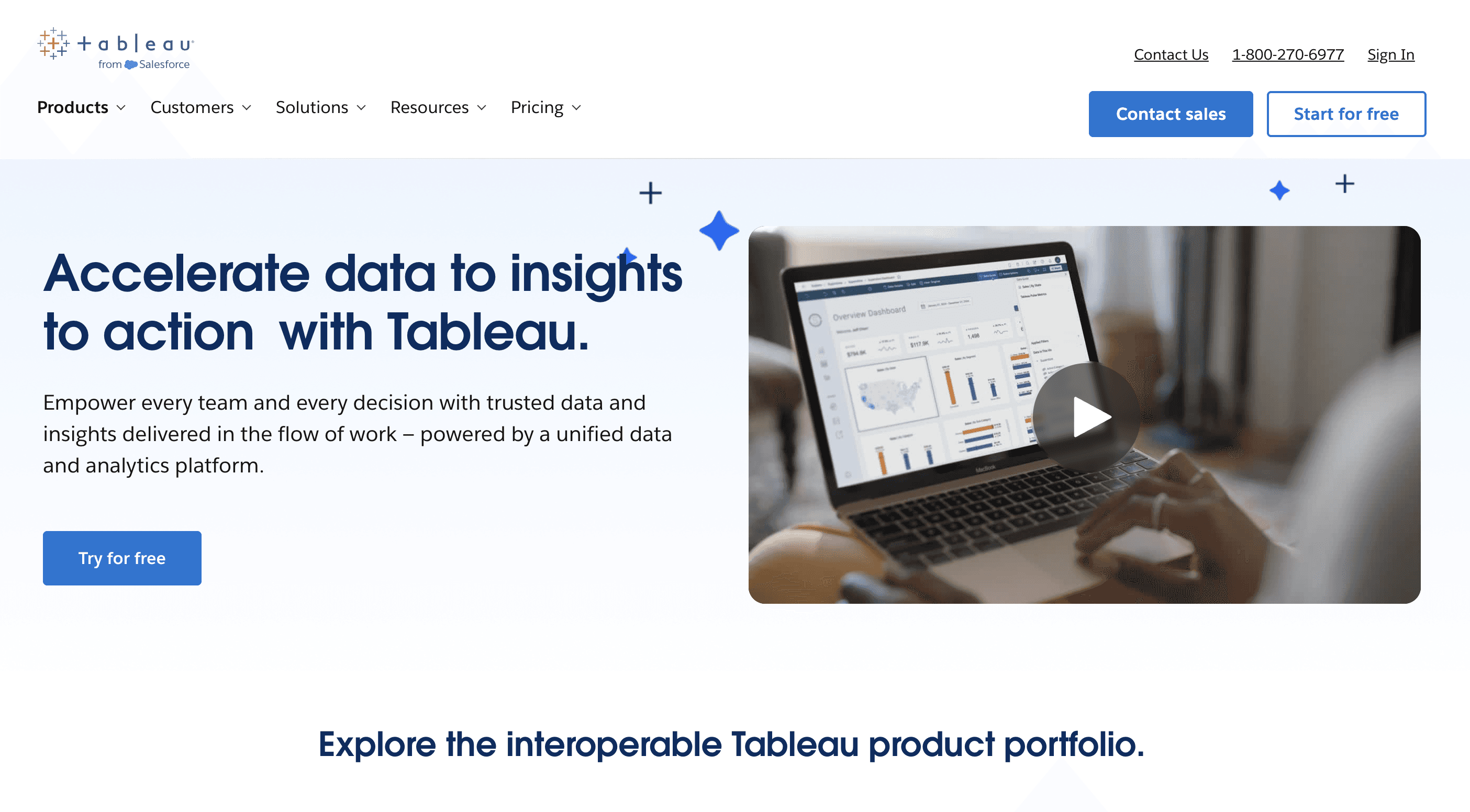
Tableau is a data visualization and business intelligence tool that helps teams turn complex data into interactive dashboards and visual insights. It’s widely used by analysts and enterprises for deep data exploration, reporting, and uncovering patterns across large datasets.
Example:
Create a dashboard to analyze customer behavior, track sales growth over time, and identify trends or forecasts using historical data.
Key Features
Advanced Visualizations: Build detailed charts, graphs, and custom dashboards
Interactive Dashboards: Explore data dynamically with filters and drill-downs
Multi-Source Integration: Connects to databases, cloud platforms, and spreadsheets
Predictive Analytics: Supports forecasting and trend analysis using historical data
Best for:
Data analysts, mid-market, and enterprise teams that need deep data exploration, detailed reporting, and high-quality visualizations.
Advantages of Tableau:
Highly powerful for data visualization and storytelling
Handles large datasets efficiently with strong performance
Strong ecosystem, community support, and learning resources
Flexible for complex analysis and custom dashboard creation
Cons of Tableau:
Steeper learning curve, especially for advanced use cases
Requires manual setup for dashboards and data modeling
Higher cost compared to many modern BI tools
Less intuitive for non-technical users compared to newer AI tools
Pricing:
Free Trial: 14-day free trial available
Creator: $75/user/month
Explorer: $42/user/month
Viewer: $15/user/month
Check Tableau Pricing
Best AI tools for image and video creation
(Quick Comparison)
Tool | Best For | Key Strength | Limitation | Starting Price |
|---|---|---|---|---|
Runway | Video creation + editing | Full control + editing tools | Learning curve | $12/month |
Google Veo | Cinematic video production | Film-quality output | Limited access | $19.99/month |
Luma Labs | 3D & realistic visuals | Depth + realistic rendering | Less storytelling control | $30/month |
InVideo AI | Marketing video automation | Fast text-to-video creation | Templated output | Free / $25 |
HeyGen | Avatar-based business videos | AI presenters + scalability | Limited creativity | Free / $29 |
Runway
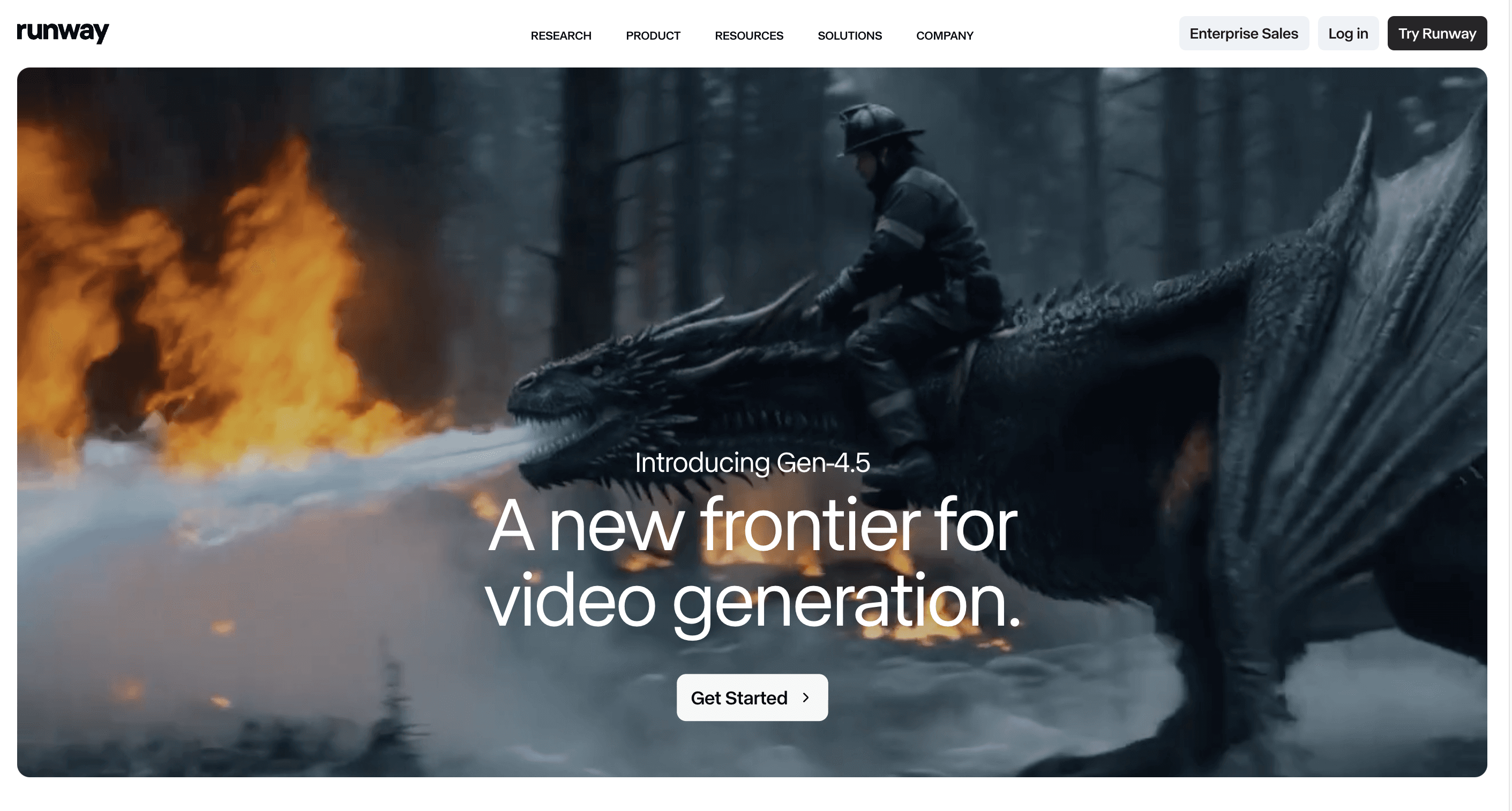
Runway is an AI-powered video creation and editing platform designed for teams that want to produce high-quality videos without traditional editing tools. It combines generation and editing in one workflow, allowing users to create, modify, and enhance videos using text, images, or clips with greater control and flexibility.
Runway Example
Create a product demo video by entering a simple prompt. Runway generates scenes, applies motion, edits clips, and produces a complete video without needing advanced editing skills or software.
Key Features
Text-to-Video Generation: Create video scenes directly from text prompts and ideas
AI Video Editing: Edit clips, remove backgrounds, and modify scenes using AI tools
Motion Control: Adjust camera movement, transitions, and visual flow of videos
Multi-Format Input: Generate videos using text, images, or existing footage
Runaway Best for
Marketing teams and creators needing flexible video creation with editing control and faster production workflows
Advantages
Combines video generation and editing, reducing need for multiple tools and manual production workflows
Provides more control over output compared to most AI video tools available today
Speeds up video production while still allowing creative flexibility and customization across projects
Cons
Learning curve for beginners unfamiliar with video editing concepts
Rendering time can increase for longer or complex videos
Advanced features are limited in free or lower-tier plans
Runway Pricing:
Free trial available
Paid plans start around $12/month
Check Runway Pricing
Google Veo | Best for Cinematic AI Video Generation
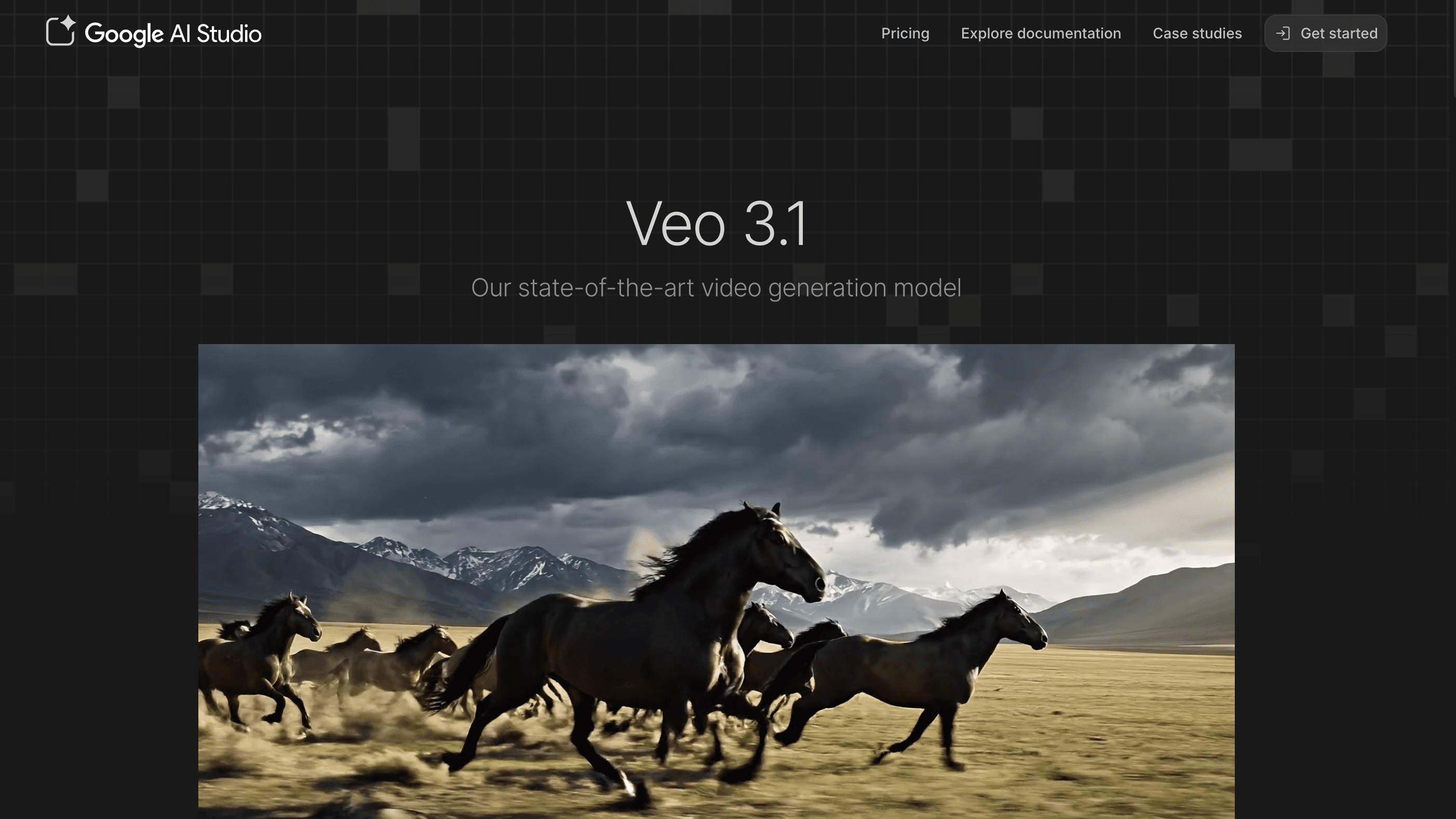
Google Veo is built for generating cinematic, high-quality videos with realistic motion, lighting, and scene consistency. It’s designed more like a film production tool than a simple AI generator.
Example
Create a cinematic ad scene with camera movement, lighting, and character consistency without shooting or editing manually.
Key Features
Text-to-Video: Generates cinematic scenes from prompts with high realism
Physics-Based Motion: Maintains natural movement and scene consistency
4K Output: Supports high-resolution video with professional quality
Multi-Scene Generation: Handles complex storytelling across multiple scenes
Best for (Real Use)
Brands, creative agencies, and content teams producing high-end ads, cinematic storytelling, and visually rich campaigns that require realistic motion, lighting, and production-quality output
Advantages
Produces near film-quality visuals with realistic lighting, motion, and scene consistency, suitable for premium content
Handles complex, multi-scene storytelling better than most AI video tools available today
Reduces dependency on traditional video production setups like cameras, studios, and editing teams
Ideal for high-end creative workflows where visual quality and detail matter most
Cons
Limited public access, making it less accessible compared to widely available AI tools
Requires detailed and well-structured prompts to achieve high-quality, consistent results
Still evolving, with limitations in control, editing flexibility, and real-world production use cases
Not yet optimized for fast, everyday marketing content production
Veo Pricing
Starts around $19.99/month (AI Pro access)
Advanced plans up to $249/month for full capabilities and extended usageLuma Labs — Best for 3D & Realistic Scene Video
Check Veo Pricing
Luma

Luma Labs focuses on generating realistic 3D environments and converting them into video, making it different from traditional text-to-video tools. It’s designed for creating depth-based visuals that feel closer to real-world scenes rather than flat AI-generated footage.
Example
Turn a product or real-world object into a 3D scene, then generate a dynamic video with depth, lighting, and motion, useful for showcasing products without traditional shoots.
Key Features
3D Scene Generation: Creates depth-aware environments from objects or real-world inputs
Realistic Rendering: Produces high-quality visuals with accurate lighting and textures
Video from 3D: Converts static scenes into dynamic, motion-based videos
Fast Processing: Generates outputs faster than traditional 3D modeling workflows
Best for (Real Use)
Product demos, 3D visualization, immersive experiences, and early-stage prototyping where depth and realism matter more than speed
Advantages
Produces strong depth and realism, making visuals feel closer to real-world environments
Faster than traditional 3D workflows, reducing time and effort in content creation
Useful for showcasing products, spaces, and environments without physical production
Helps teams prototype visual ideas quickly before full production
Cons
Limited control compared to advanced 3D tools like Blender or Unreal Engine
Not ideal for storytelling, ads, or traditional marketing video formats
Output quality and control can vary depending on input and use case
Still evolving with fewer advanced customization options
Luma Labs Pricing
Plus Plan: $30/month
Pro Plan: $90/month
Ultra Plan: $300/month
Check Luma Labs Pricing
InVideo AI | Best for Marketing Video Automation
InVideo AI is designed for speed, helping teams turn scripts, blogs, or ideas into ready-to-publish videos automatically. It focuses on simplifying video creation for marketing use cases rather than offering deep editing control.
Example
Convert a blog post into a complete video with visuals, voiceover, and transitions in minutes, ready for YouTube or social media.
Key Features
Text-to-Video: Converts scripts or blogs into full videos automatically
Templates: Pre-built formats for ads, YouTube, and social content
AI Voiceover: Generates narration without manual recording
Stock Library: Access to visuals, clips, and media assets
Best for (Real Use)
Marketing teams, startups, and creators producing ads, YouTube videos, and social content at scale
Advantages
Extremely fast for creating videos from existing content
No editing skills required, easy for non-technical users
Ideal for repurposing blogs into video formats
Cons
Limited customization for advanced editing needs
Output can feel templated without personalization
Free plan includes watermark on videos
Pricing
Free Plan: Available
Starter Plans: Around $25/month
Business Plans: Up to $100/month
Generative Plan: Around $250/month for advanced AI features
Check Invideo Pricing
HeyGen | Best for AI Avatar Business Videos
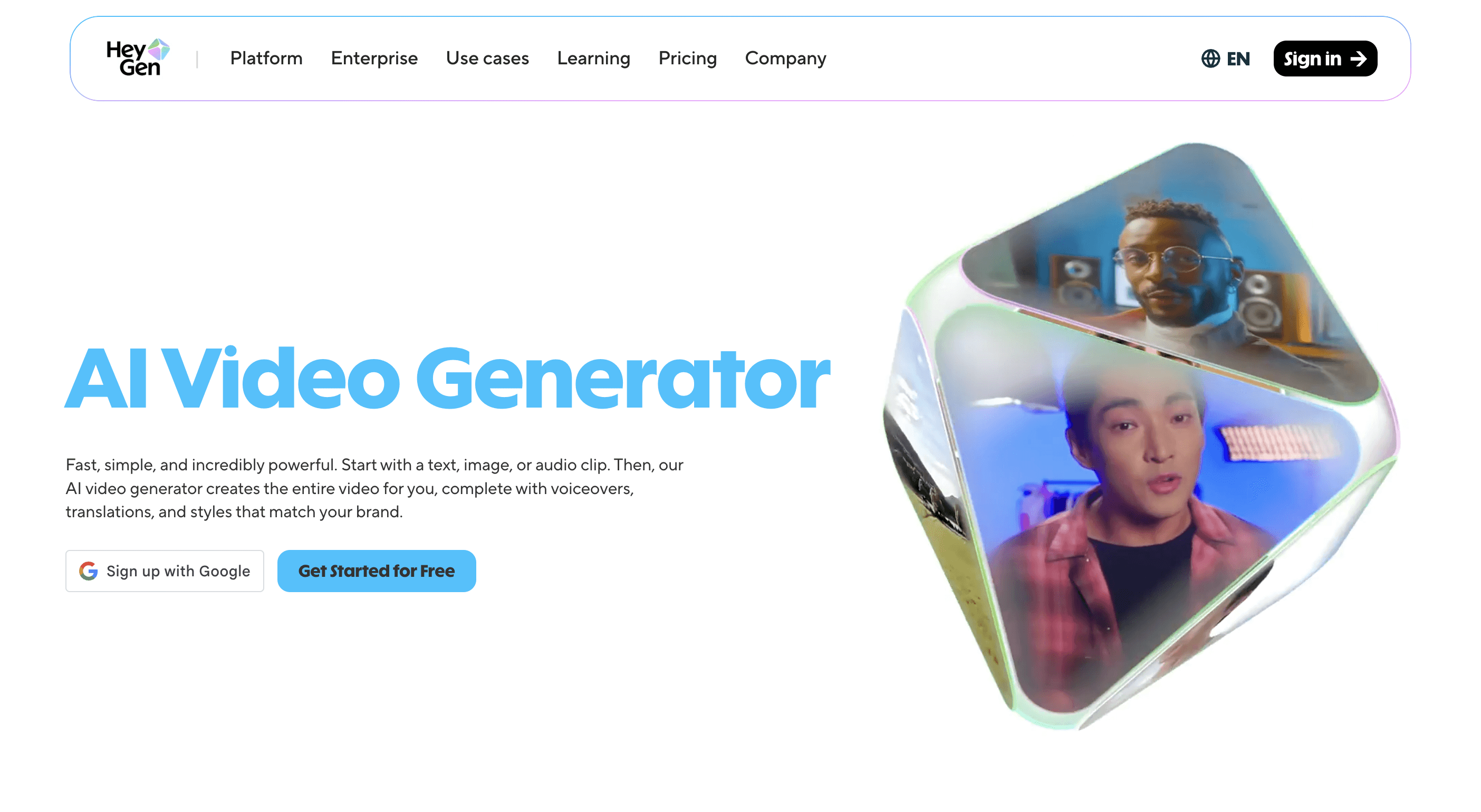
HeyGen is an AI video platform focused on creating videos using realistic avatars. It’s built for business use cases like training, onboarding, and communication, where consistency and scalability matter more than creative editing.
Example
Create a product training or onboarding video with an AI avatar presenting your script in multiple languages, without recording or editing manually.
Key Features
AI Avatars: Human-like presenters for professional video delivery
Text-to-Video: Convert scripts into ready-to-use videos
Multi-Language Support: Create videos for global audiences
Business Templates: Pre-built formats for training and communication
Best for (Real Use)
Companies creating training, onboarding, sales demos, and personalized communication videos at scale
Advantages
No need for camera, studio, or recording setup
Consistent and scalable video production across teams
Useful for structured business communication and training content
Cons
Limited flexibility for creative or storytelling videos
Not suitable for cinematic or high-end marketing content
Customization options are restricted compared to editing tools
HeyGen Pricing
Free Plan: Available
Creator Plan: Around $29/month
Team Plan: Around $99/month
Check HeyGen Pricing
Best AI tools for business productivity
(Quick Comparison)
Tool | Best For | Key Strength | Limitation | Starting Price |
|---|---|---|---|---|
Supaboard | Data-driven decision-making | Instant insights from data | Needs clean data | Free / $75 |
Zapier AI | Workflow automation | Connects apps + automates tasks | Complex at scale | Free / $20 |
Claude Pro | Deep work & analysis | Strong reasoning + long content | Limited integrations | Free / $20 |
Notion AI | All-in-one workspace | Docs + tasks + AI in one place | Can get messy | Free / $10 |
Grammarly AI | Writing & communication | Improves clarity + tone | Limited for long-form content | Free / $12 |
Supaboard | Best for Data-Driven Productivity
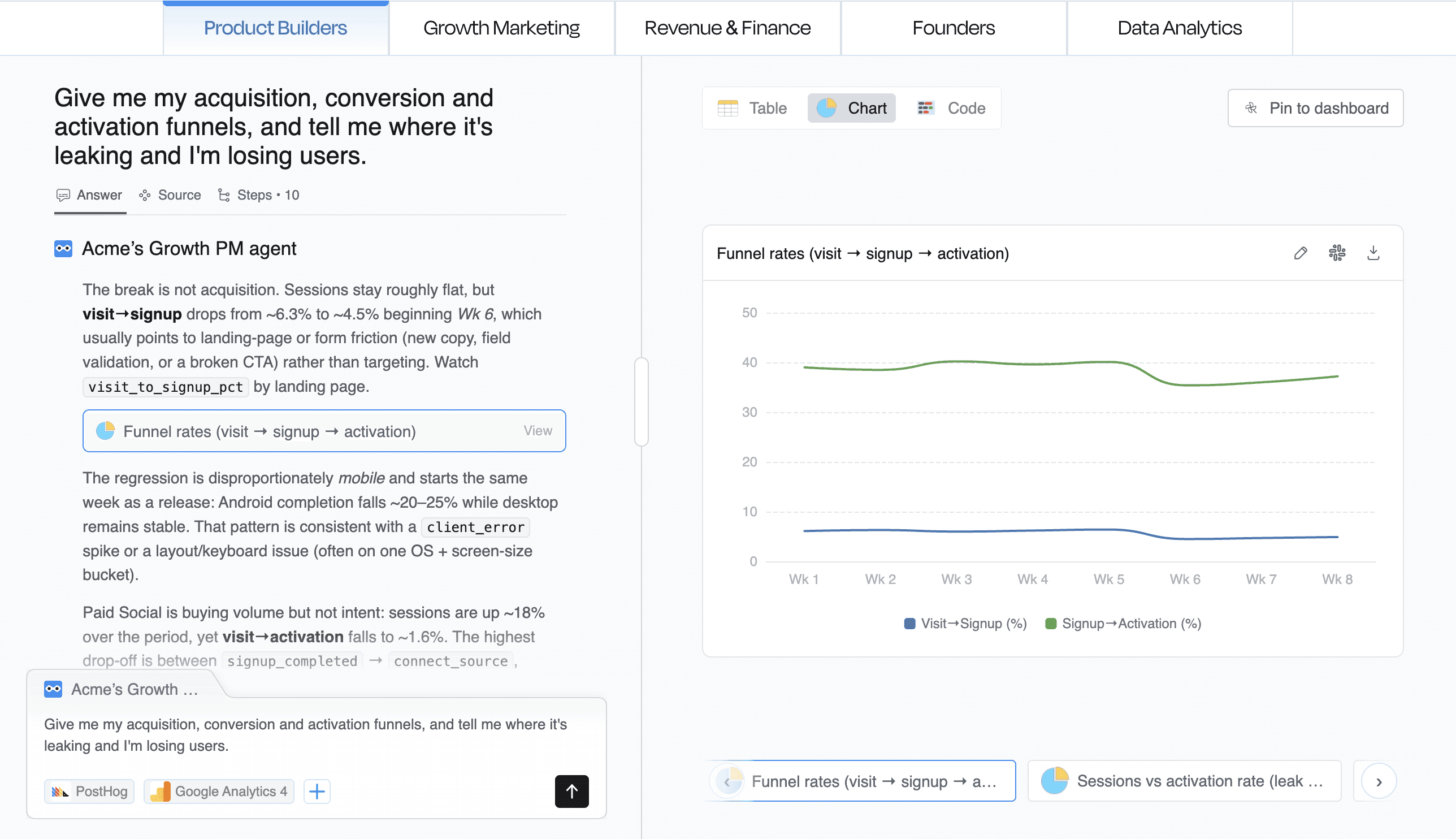
Supaboard helps teams get instant answers from business data instead of building dashboards or waiting for reports. It reduces time spent on analysis by allowing users to ask questions and get insights in seconds.
Example
Ask: “What changed in sales this week?” → Supaboard shows trends, breakdowns, and key drivers instantly.
Key Features
Natural Language Queries: Ask questions and get insights without SQL
Instant Dashboards: Automatically generates charts and reports
Multi-Source Integration: Connects data from multiple tools
Context-Aware Insights: Understands business metrics and relationships
Best for (Real Use)
Teams needing faster decision-making without manual reporting or reliance on analysts
Advantages
Saves significant time on reporting and analysis tasks
Reduces tool-switching between dashboards and data sources
Helps teams move from data to decisions much faster
Cons
Requires structured and clean data for best results
Initial setup may take time for new users
Still evolving compared to traditional BI platforms
Pricing
14-day free trial
Zapier AI | Best for Workflow Automation
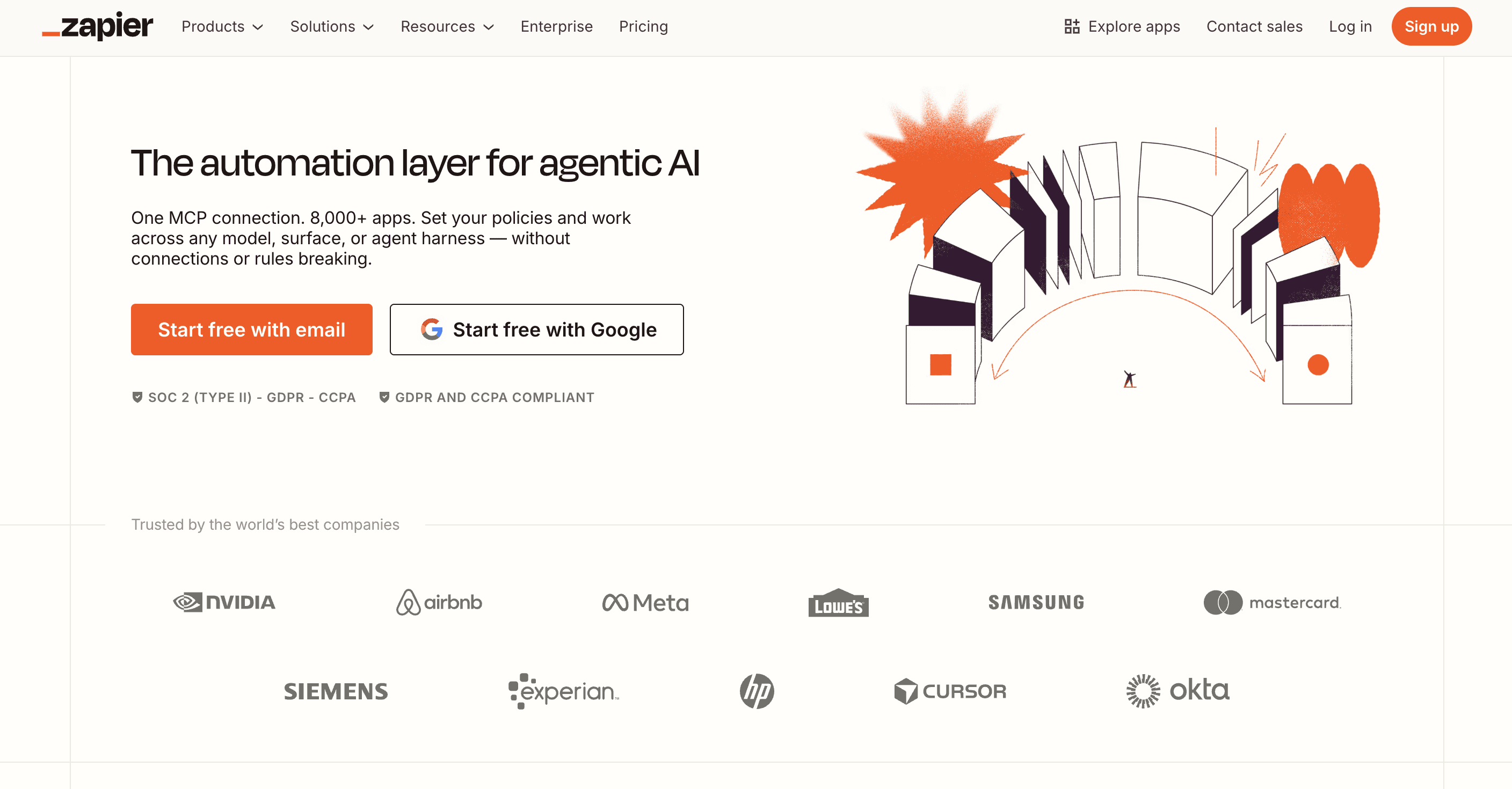
Zapier AI automates repetitive tasks by connecting different apps and workflows. It helps businesses streamline operations without coding, reducing manual effort across tools.
Example
Automatically send leads from a form → CRM → email follow-up without manual input.
Key Features
No-Code Automation: Build workflows without technical skills
5000+ Integrations: Connects apps across marketing, sales, and operations
AI Suggestions: Recommends workflows based on tasks
Trigger-Based Automation: Automates actions based on events
Best for (Real Use)
Businesses automating repetitive processes across multiple tools and systems
Advantages
Eliminates repetitive manual tasks across workflows
Works across a wide range of tools and platforms
Easy to set up for basic automation use cases
Cons
Complex workflows can become difficult to manage
Costs increase with higher usage and automation volume
Limited flexibility in lower-tier plans
Pricing
Free plan available
Paid plans start around $20/month
Check Zapier Pricing
Claude Pro | Best for Deep Work & Thinking
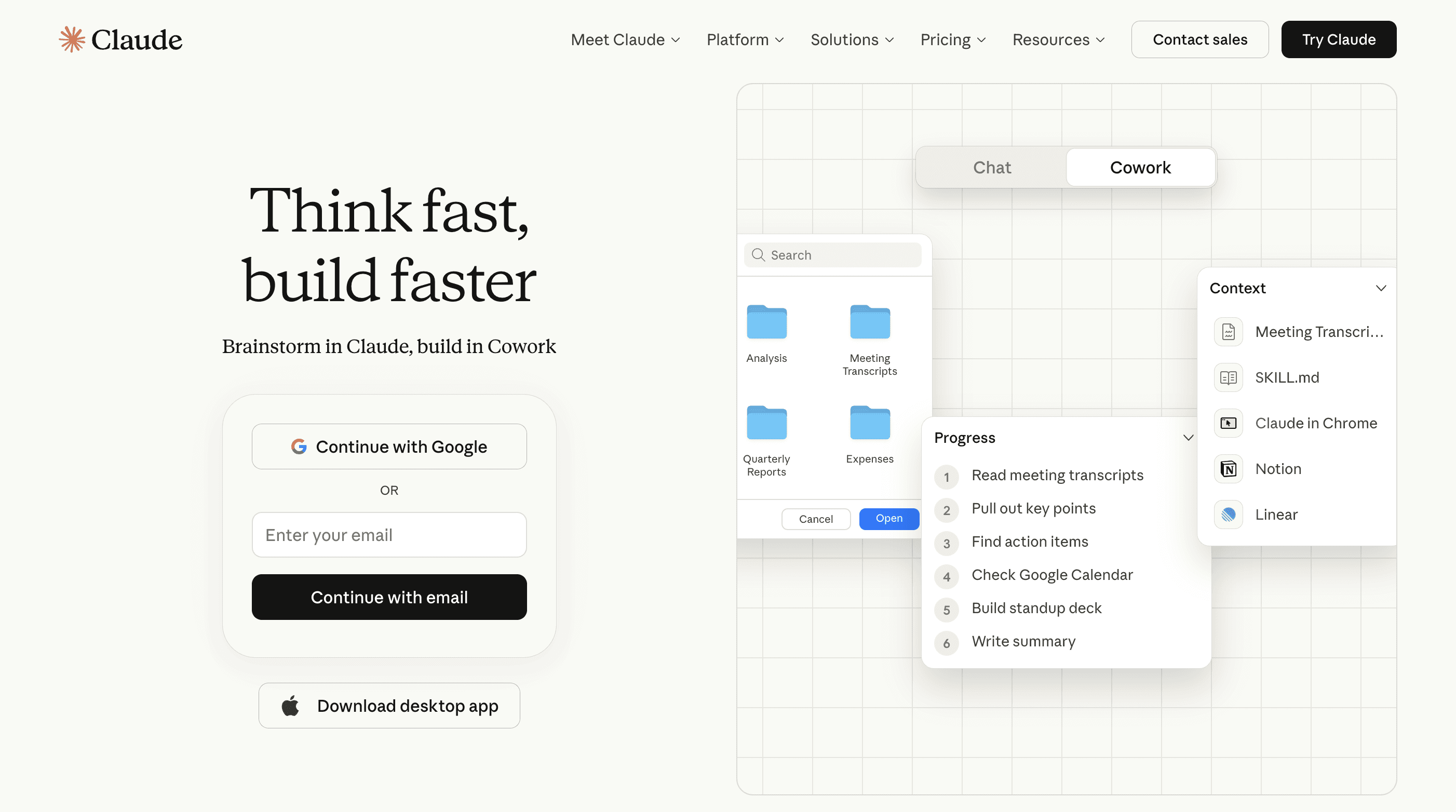
Claude Pro is designed for handling complex tasks like research, analysis, and long-form content. It’s known for strong reasoning and the ability to work with large documents.
Example
Upload a detailed report → get structured insights, summaries, and key takeaways instantly.
Key Features
Long Document Analysis: Processes large files and content
Advanced Reasoning: Handles complex queries and structured thinking
Content Generation: Writes and summarizes detailed information
Interactive Workspace: Organizes outputs and workflows
Best for (Real Use)
Professionals working on research, strategy, and complex decision-making tasks
Advantages
Strong reasoning and structured output for complex tasks
Handles large content better than most AI tools
Useful for deep thinking and analytical work
Cons
Slower for quick or simple tasks
Requires clear instructions for best results
Limited integrations compared to automation tools
Claude Pricing
Free plan available
Pro plan: ~$20/month
Custom Pricing
Check Claude Pricing
Notion AI | Best All-in-One Workspace
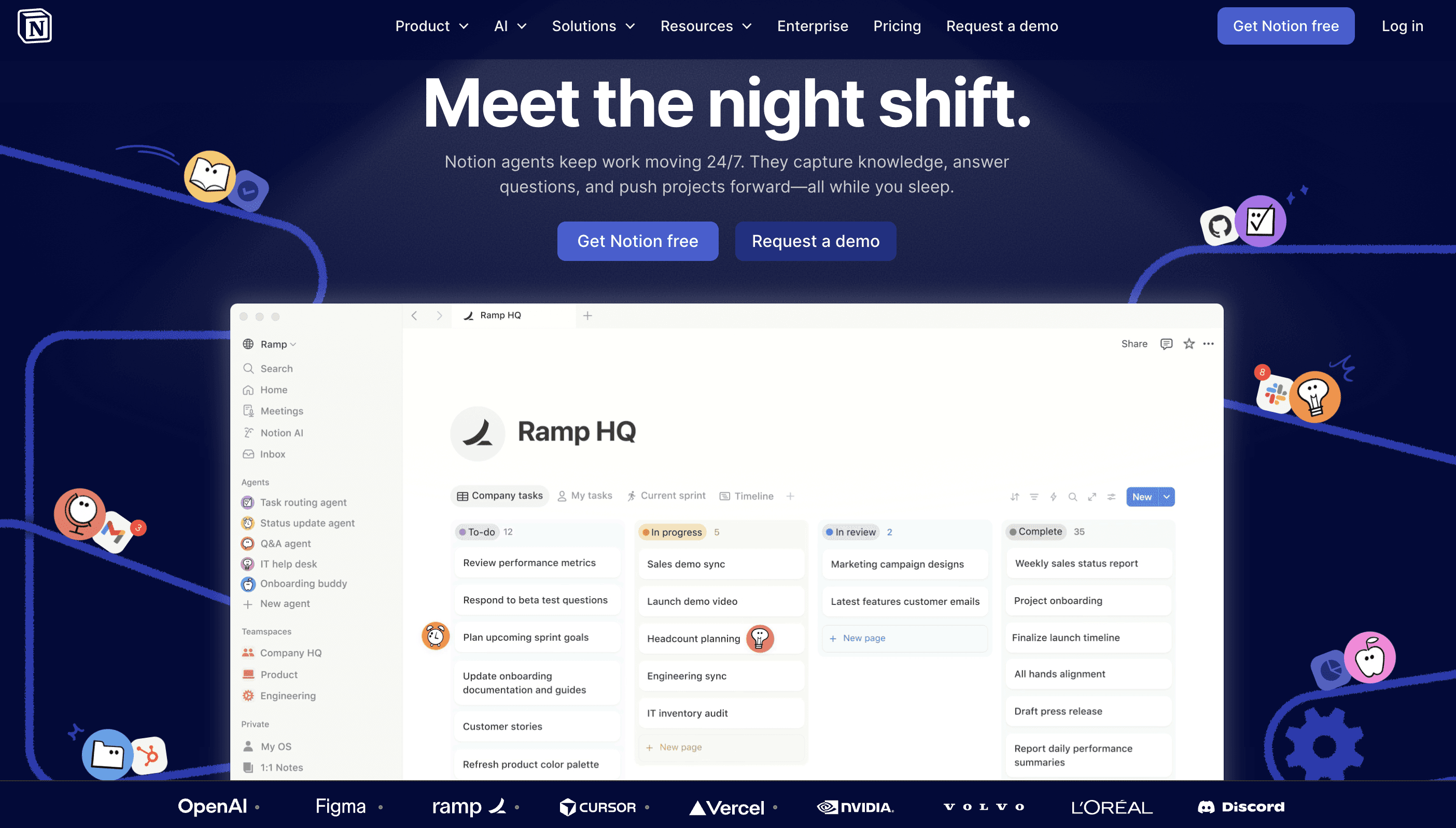
Notion AI integrates AI into a workspace for notes, tasks, and knowledge management. It helps teams organize work, summarize content, and collaborate in one place.
Example
Convert meeting notes into structured tasks and summaries automatically.
Key Features
AI Note-Taking: Summarizes and organizes information
Task Management: Combines projects, docs, and workflows
Content Generation: Writes directly inside workspace
Knowledge Base: Centralizes team information
Best for (Real Use)
Teams managing projects, documentation, and collaboration in one unified tool
Advantages
Combines multiple tools into a single workspace
Improves collaboration and information organization
Reduces need for separate productivity tools
Cons
Can become unstructured without proper setup
Learning curve for new users
Limited automation compared to specialized tools
Notion AI Pricing
Free plan available
AI add-on starts around $10/month
Check Notion Pricing
Grammarly AI | Best for Writing Productivity
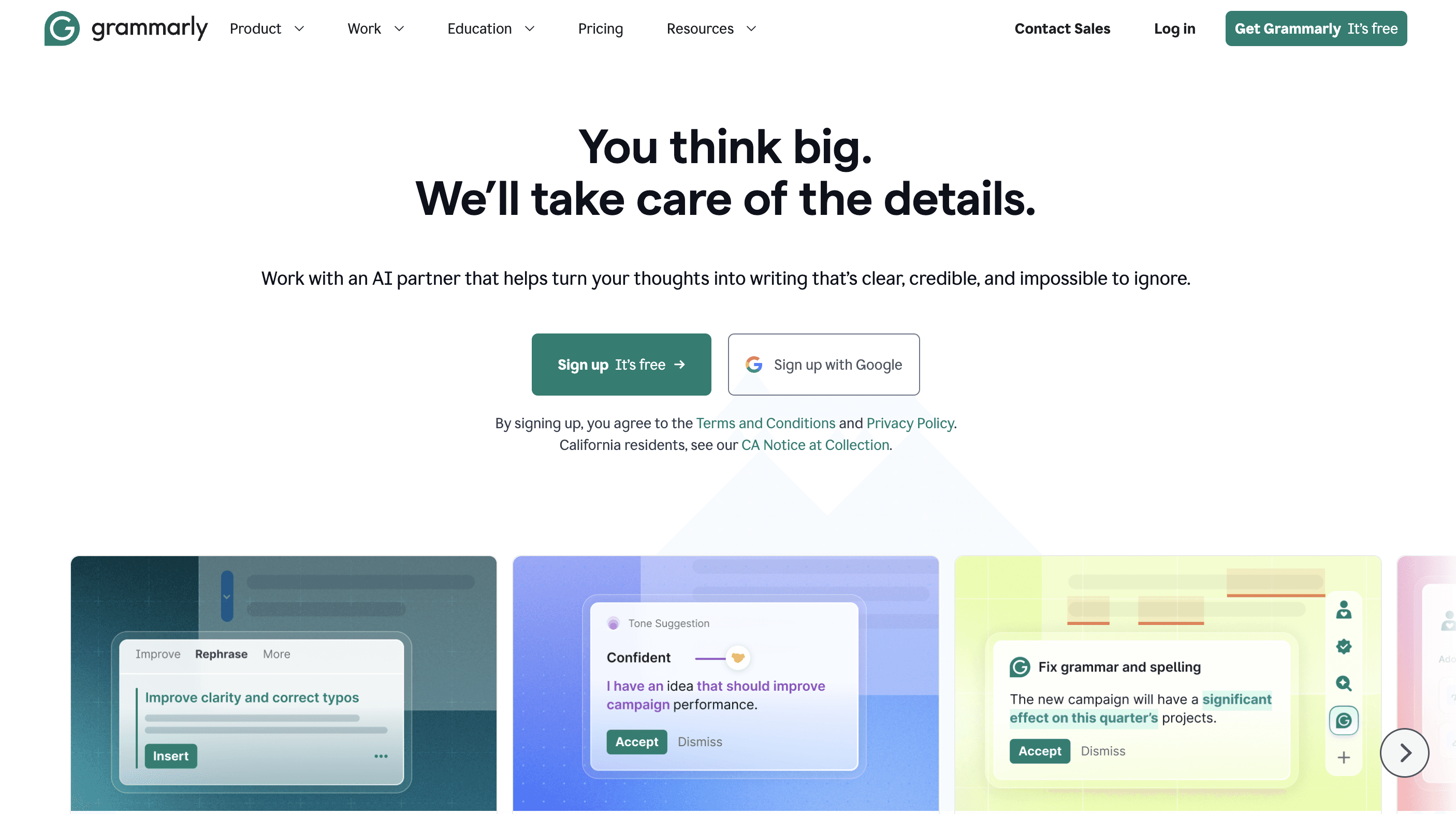
Grammarly AI helps improve writing quality across emails, documents, and communication. It focuses on clarity, tone, and correctness rather than full content creation.
Example
Write an email → Grammarly refines tone, clarity, and structure instantly.
Key Features
Grammar Correction: Fixes spelling and grammar errors
Tone Suggestions: Adjusts tone for better communication
AI Rewriting: Improves clarity and phrasing
Cross-Platform Support: Works across apps and browsers
Best for (Real Use)
Professionals and teams focused on improving communication and writing quality
Advantages
Improves writing instantly with minimal effort
Works across multiple platforms and tools
Saves time on editing and proofreading
Cons
Limited for long-form or creative content generation
Suggestions may feel generic at times
Advanced features require paid plans
Grammarly Pricing
Free plan available
Premium starts around $12/month
Check Grammarly Pricing
Best project management tools
(Quick Comparison)
Tool | Best For | Key Strength | Limitation | Starting Price |
|---|---|---|---|---|
Asana | Structured project management | Clear task tracking + timelines | Complex for beginners | Free / $10.99 |
ClickUp | All-in-one workspace | Tasks + docs + automation | Overwhelming at first | Free / $10 |
Monday.com | Visual workflows | Easy + intuitive interface | Limited advanced features | Free / $9 |
Jira | Development teams | Agile + issue tracking | Not beginner-friendly | Free / $7 |
Smartsheet | Spreadsheet-based tracking | Excel-like + strong reporting | Feels outdated + expensive | $25/month |
Trello | Simple task management | Easy kanban boards | Not for complex projects | Free / $5 |
Asana | Best for Structured Project Management
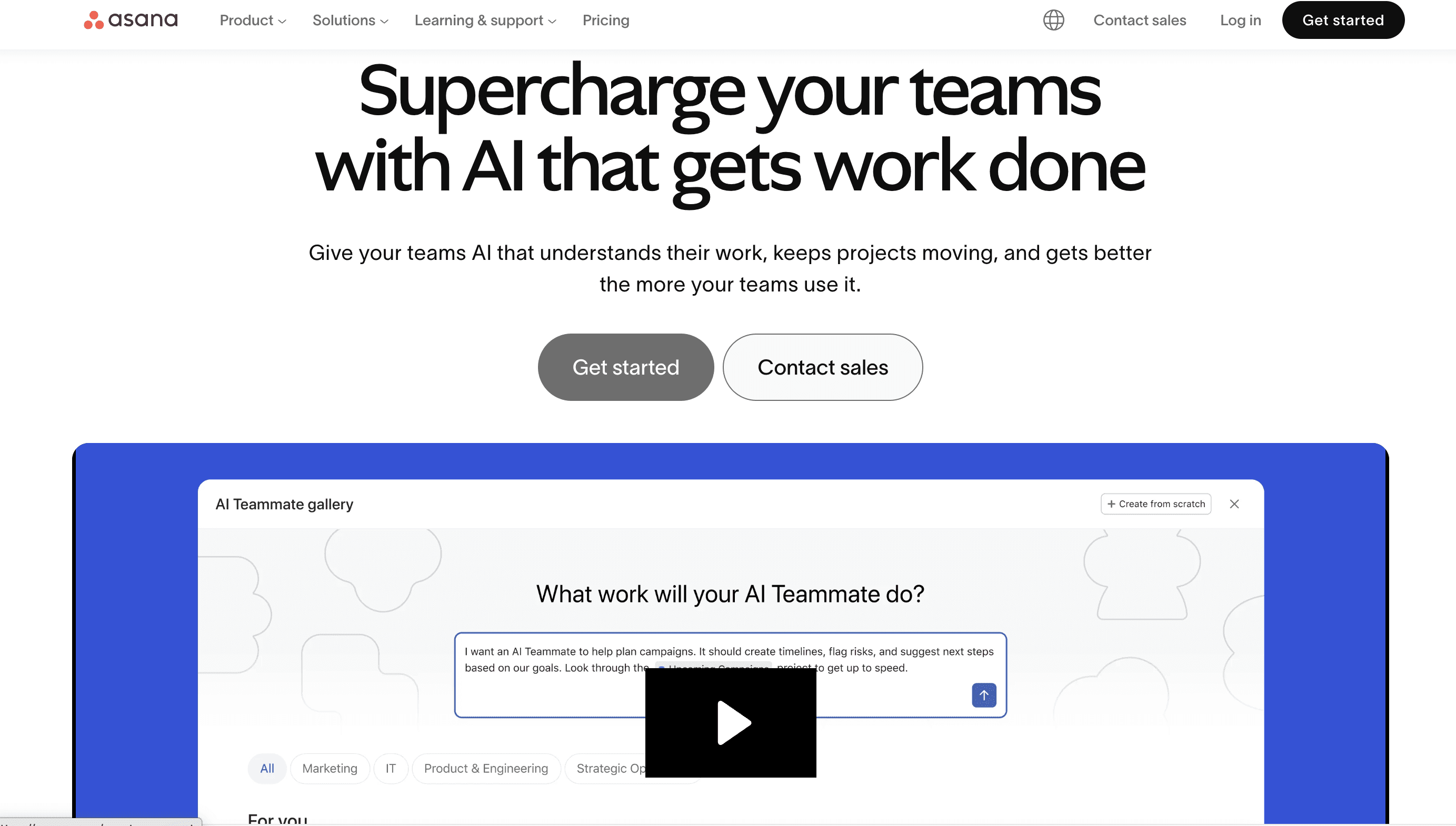
Asana helps teams plan, organize, and track work across projects. It connects daily tasks with broader goals, making it easier to manage timelines, responsibilities, and progress in a structured way.
Example
Plan a product launch, assign tasks to team members, track deadlines, and monitor progress from a centralized dashboard.
Key Features
Task Tracking: Manage tasks, owners, deadlines, and dependencies
Timeline View: Visualize project schedules and dependencies
Workflow Automation: Automate repetitive task processes
Collaboration Tools: Share updates, comments, and files in one place
Best for (Real Use)
Mid-sized and enterprise teams managing multiple projects with structured workflows and clear accountability
Advantages
Helps organize complex projects with clear structure and visibility
Strong integrations with tools like Slack, Google Workspace, and CRM systems
Provides clear tracking of tasks, ownership, and project progress
Cons
Can feel complex for new users
Pricing increases with advanced features
Limited flexibility in lower-tier plans
Pricing
Free plan available
Paid plans start around $10.99/user/month
Check Asana Pricing
ClickUp | Best All-in-One Project Management Tool
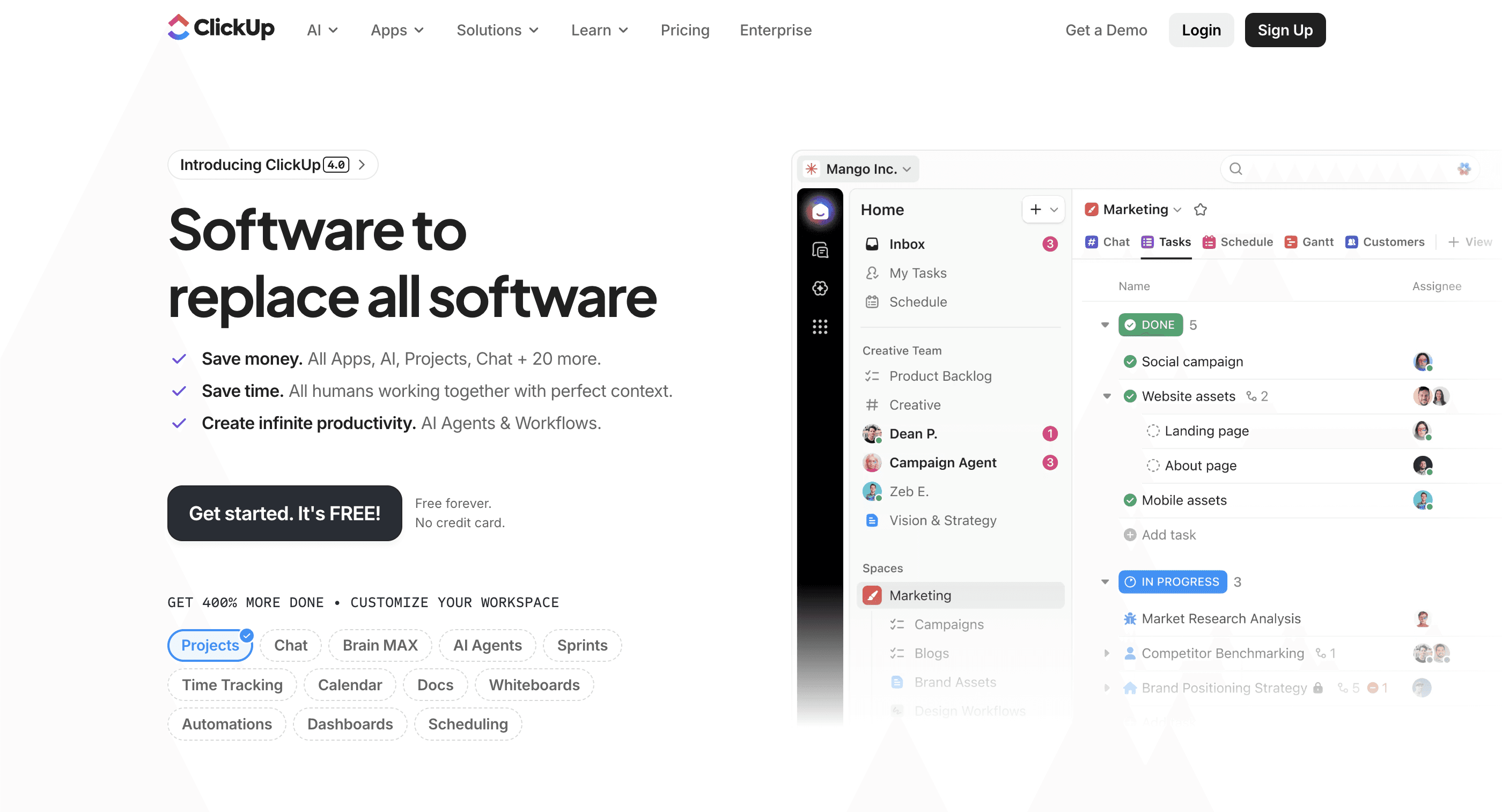
ClickUp combines tasks, docs, chat, and automation into one platform. It’s designed to reduce tool-switching and give teams a centralized workspace for managing all operations.
Example
Manage tasks, write documentation, track progress, and collaborate with your team, all within a single platform.
Key Features
Multiple Views: List, board, calendar, and timeline views
Built-in Docs: Create and manage documentation within projects
Automation: Automate workflows and repetitive tasks
AI Support: Assists with task creation and content generation
Best for (Real Use)
Startups and growing teams looking to replace multiple tools with one unified workspace
Advantages
Combines multiple tools into one platform, reducing complexity
Highly customizable workflows for different team needs
Scales well for growing teams and operations
Cons
Can feel overwhelming due to too many features
Requires setup to fully utilize capabilities
Performance may slow with large projects
ClickUp Pricing
Free plan available
Paid plans start around $10/user/month
Check Pricing
Monday.com | Best for Visual Workflows
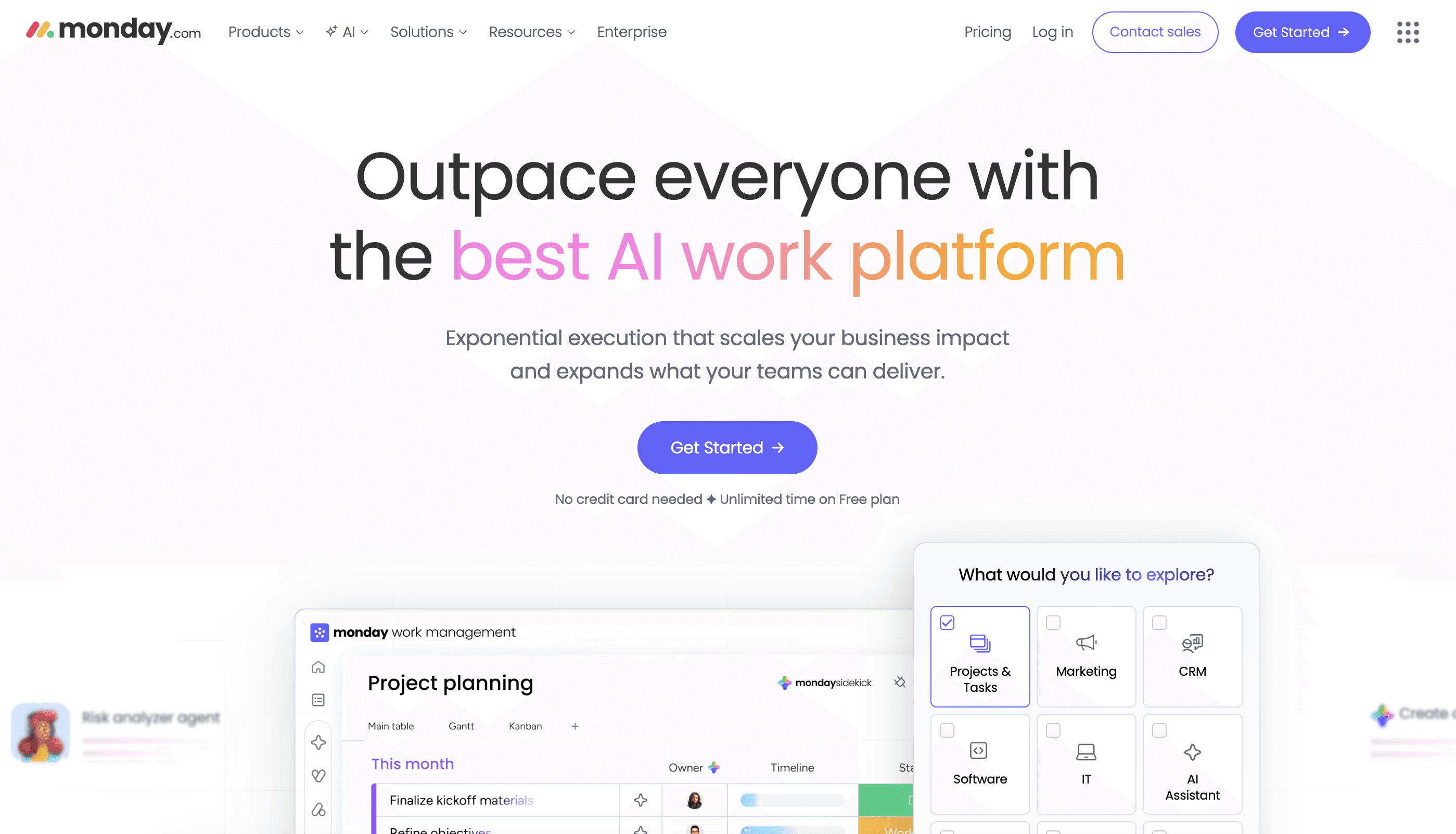
Monday.com is a project management platform focused on visual workflows and ease of use. It helps teams track work using customizable boards and simple interfaces.
Example
Track marketing campaigns with color-coded boards and real-time updates across tasks and teams.
Key Features
Visual Dashboards: Track work with color-coded boards
Task Automation: Automate routine updates and actions
Templates: Pre-built workflows for different use cases
Team Collaboration: Share updates and track progress easily
Best for (Real Use)
Small to mid-sized teams needing simple, visual workflow management without complex setup
Advantages
Easy to set up and use with minimal learning curve
Visual interface improves task tracking and clarity
Suitable for teams new to project management tools
Cons
Limited features in lower plans
Costs increase as team size grows
Less suitable for complex workflows
Monday Pricing
Free plan available
Paid plans start around $9/user/month
Check Monday Pricing
Jira | Best for Software Development Teams
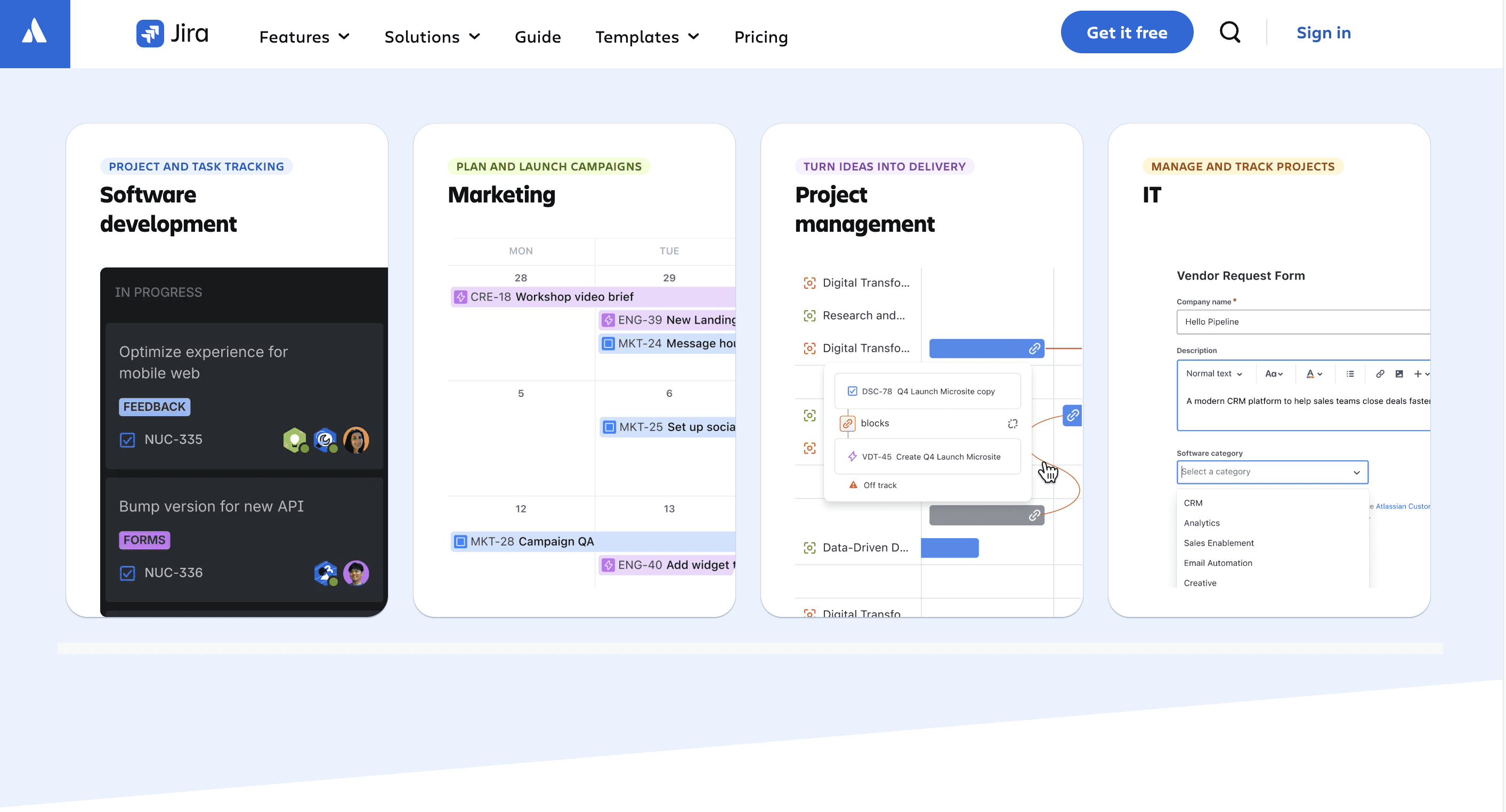
Jira is built for Agile project management, especially in software development. It helps teams track bugs, manage sprints, and handle complex workflows.
Example
Track bugs, assign developers, and manage sprint cycles with Scrum or Kanban boards.
Key Features
Agile Boards: Supports Scrum and Kanban workflows
Issue Tracking: Manage bugs and development tasks
Sprint Planning: Plan and track development cycles
Workflow Customization: Customize processes for teams
Best for (Real Use)
Development teams and tech companies managing Agile workflows and software projects
Advantages
Designed specifically for Agile development workflows
Strong issue and bug tracking capabilities
Highly customizable for complex workflows
Cons
Difficult for non-technical users
Setup and configuration can take time
Interface is not beginner-friendly
Jira Pricing
Free plan available
Paid plans start around $7–$8/user/month
Check Jira Pricing
Smartsheet | Best for Spreadsheet-Based Project Management
Smartsheet combines project management with a spreadsheet-style interface, making it familiar for teams used to Excel but needing more advanced features.
Example
Track project timelines, resources, and tasks using a spreadsheet-like format with automation and reporting.
Key Features
Spreadsheet Interface: Familiar layout for tracking projects
Task Management: Manage timelines and dependencies
Automation: Set alerts and automated workflows
Collaboration: Share files and updates with teams
Best for (Real Use)
Teams comfortable with spreadsheets but needing more structure and project tracking capabilities
Advantages
Easy adoption for Excel users
Strong reporting and project tracking features
Suitable for managing large and structured projects
Cons
Learning curve for advanced features
Interface may feel outdated compared to modern tools
Pricing is higher than simpler alternatives
Smartsheet Pricing
Free trial available
Paid plans start around $25/user/month
Check Smartsheet Pricing
Trello | Best for Simple Task Management
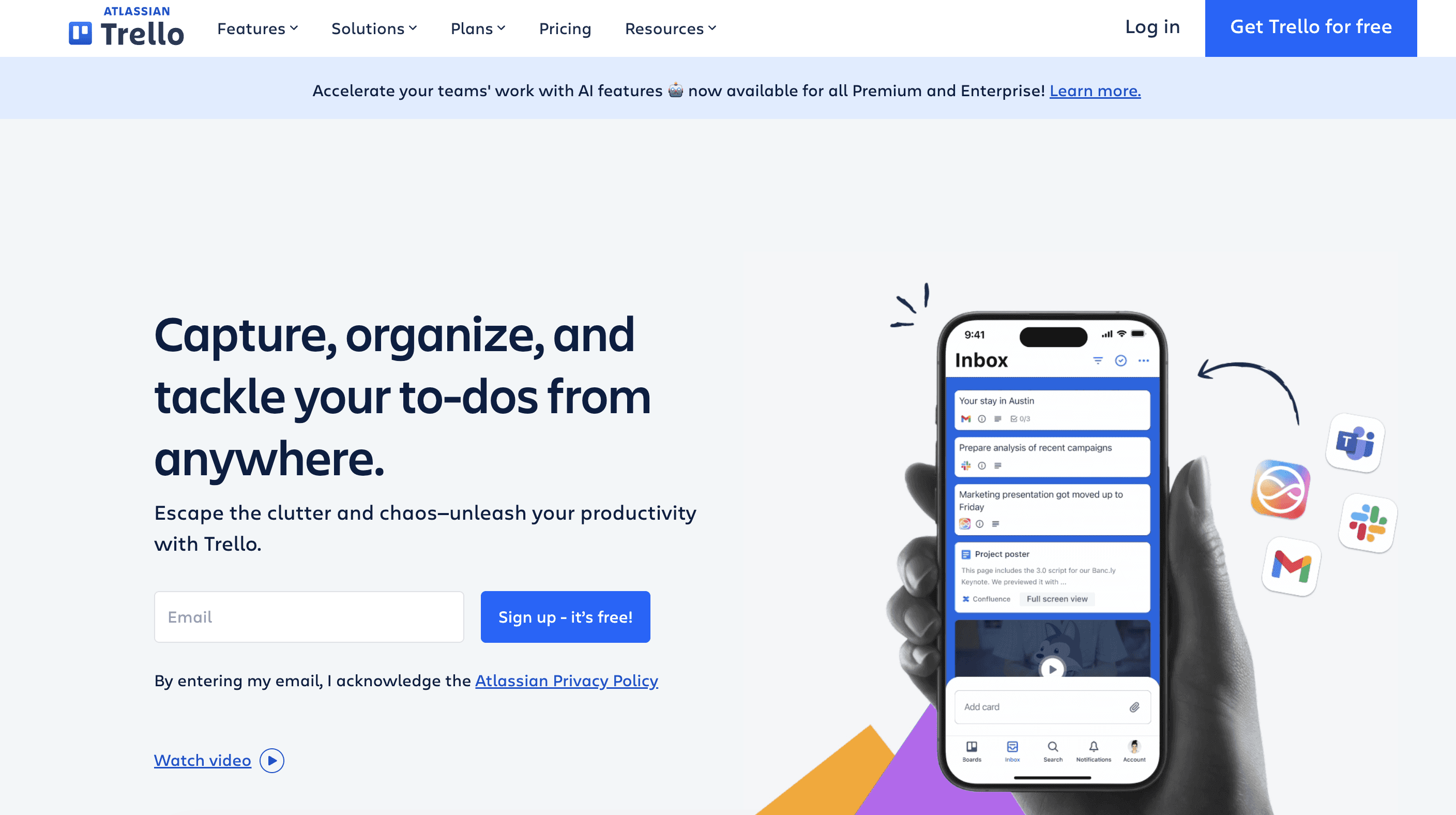
Trello is a popular, web-based visual project management and task-tracking tool developed by Atlassian, designed to organize workflows using boards, lists, and cards. It acts as a digital, flexible Kanban board for individuals or teams to manage projects, set deadlines, and track progress by moving tasks from "to-do" to "done".
Organize tasks using columns like “To Do,” “In Progress,” and “Done” with drag-and-drop cards.
Key Features
Kanban Boards: Visual task tracking with columns
Drag-and-Drop Tasks: Easily move tasks across stages
Task Cards: Add comments, files, and checklists
Basic Automation: Automate simple actions with Butler
Best for (Real Use)
Small teams and individuals managing simple projects and task workflows
Advantages
Very easy to use with minimal setup
Visual approach makes task tracking simple
Ideal for small teams and basic workflows
Cons
Limited features for complex project management
Not suitable for large or multi-layered projects
Fewer advanced capabilities compared to competitors
Trello Pricing
Free plan available
Paid plans start around $5/user/month
Check Trello Pricing
Frequently Asked Questions
What are the best AI tools for business in 2026?
The best AI tools for business depend on specific use cases. Tools like Supaboard help with analytics, ChatGPT and Jasper support content creation, while Zapier automates workflows. Most businesses combine multiple tools to improve efficiency, decision-making, and overall productivity across teams.
Which AI tool is best for small businesses?
Small businesses benefit from simple, cost-effective AI tools that are easy to use and quick to implement. Tools like ChatGPT, Notion AI, and Zapier help automate tasks, create content, and manage workflows without requiring large teams, technical expertise, or high budgets.
Are AI tools worth it for business?
AI tools are worth it when they reduce manual work, improve decision-making, and save time across daily operations. The real value comes from choosing tools that integrate into existing workflows rather than adding complexity or requiring constant switching between multiple platforms.
How do AI tools improve productivity?
AI tools improve productivity by automating repetitive tasks like reporting, content generation, and data analysis. This reduces time spent on manual work, allowing teams to focus on strategy, execution, and decision-making, ultimately improving efficiency and overall business performance.
What is the biggest mistake businesses make with AI?
The biggest mistake businesses make is adopting too many AI tools without a clear workflow or strategy. This leads to tool overload, inefficiency, and confusion. Instead, businesses should focus on fewer tools that integrate well and solve real operational problems.
Related Reads
Overview of top BI tools, features, pricing, and use cases for modern data-driven teams.
Comparison of AI-powered BI tools focusing on automation, insights, and real business analytics use cases.
Covers AI tools that improve productivity, automate workflows, and help teams work faster and smarter.
Turn AI Into Real Business Impact
AI tools are no longer just about automation, they’re about how efficiently your business operates. The real value comes from choosing tools that fit your workflow, reduce friction, and help teams move faster from task to outcome.
Instead of trying every new tool, focus on what actually solves your problems. Whether it’s analytics, content, or automation, the right combination of AI tools can eliminate repetitive work, improve clarity, and support better decisions across teams.
In 2026, businesses that win with AI won’t be the ones using the most tools, but the ones using the right ones. Keep it simple, stay focused, and build a system that works for your team, not against it.