AI in the Workplace: How AI Is Transforming Jobs and Teams in 2026
Workplaces in 2026 look very different from just a few years ago. AI has become a part of daily work. It helps teams save time, make better decisions, and focus on what matters. Instead of replacing people, AI improves how we work together, communicate, and solve problems. Tasks that once took hours now take just minutes. Employees are learning to work with smart tools instead of against them. This article will explain how AI works in the workplace. It will discuss how AI helps teamwork. It will also cover new challenges that come up. Finally, it will look at how AI is changing the future of work. The information will be practical, simple, and easy to understand.

Introduction
Artificial intelligence is no longer an experiment inside modern companies. In 2026, AI in the workplace has become a core layer of how teams operate, decisions are made, and leaders manage performance.
From AI-powered analytics and workflow automation to intelligent assistants that support daily work, organizations are moving beyond basic tools toward AI-native workplaces. The shift is not about replacing people, it’s about augmenting human decision-making at scale.
This guide explores how AI is transforming jobs, teams, leadership, and productivity in the workplace, along with real use cases, benefits, challenges, and what businesses must prepare for next.
What Does “AI in the Workplace” Mean in 2026?
AI in the workplace refers to the use of artificial intelligence technologies, machine learning, large language models, predictive analytics, and automation, inside everyday business operations.
Unlike earlier automation tools, modern workplace AI:
Understands natural language
Analyzes real business data
Generates insights, summaries, and recommendations
Learns continuously from usage patterns
AI is no longer limited to IT teams. In 2026, non-technical employees use AI daily to analyze data, plan work, and make faster decisions.
How AI Is Transforming Jobs ?
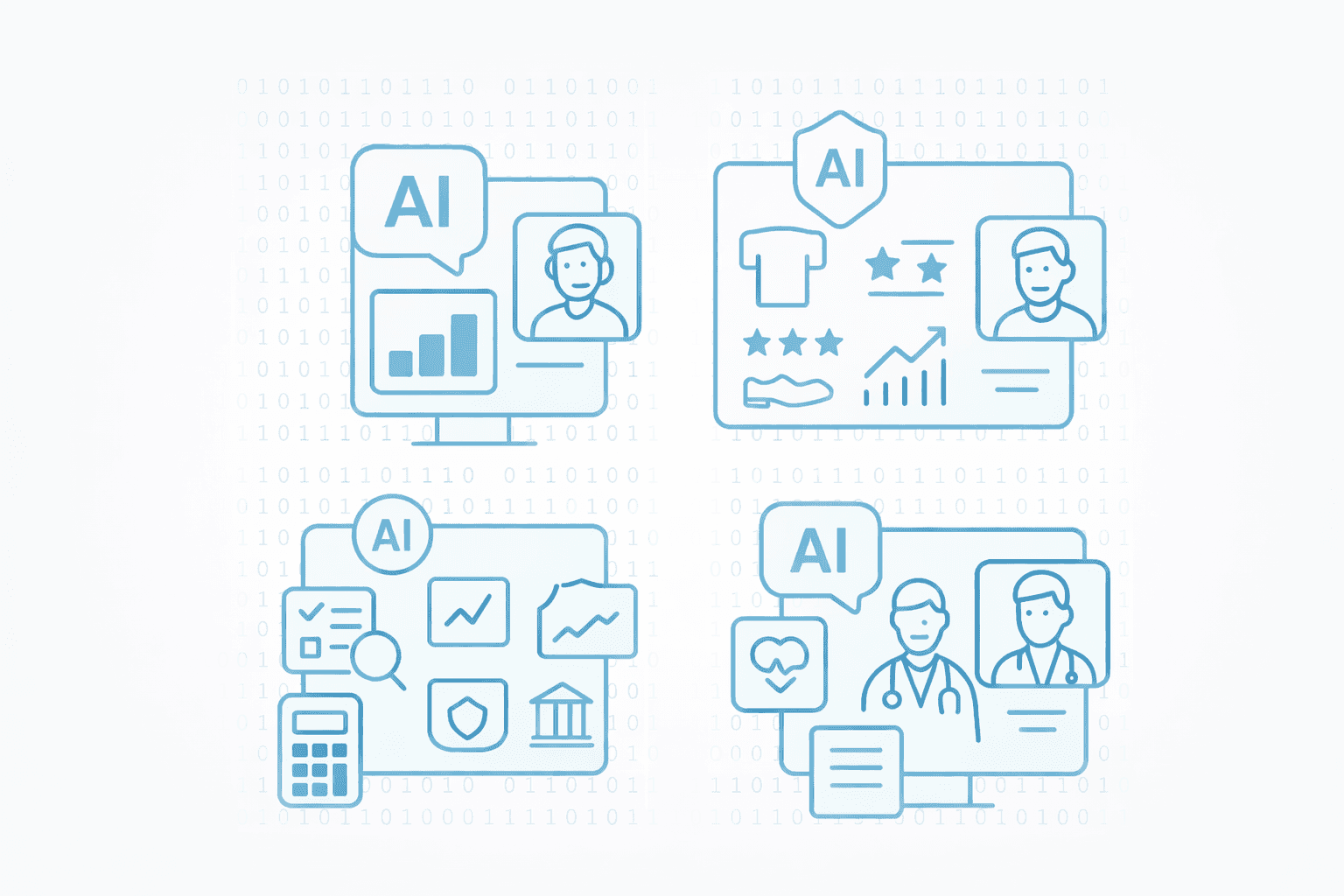
One of the most searched questions around workplace AI is whether it replaces jobs. In practice, AI is reshaping roles, not removing them entirely.
Key changes in jobs due to AI:
Repetitive and manual tasks are automated
Decision-support becomes faster and data-driven
Employees focus more on strategy, creativity, and problem-solving
For example:
Analysts spend less time writing SQL and more time interpreting insights
Marketers use AI to analyze campaign performance instantly
Operations teams rely on predictive analytics to prevent issues
AI increases output per employee, making productivity and impact, not hours worked, the new metric of success.
AI in Teams: Faster Collaboration and Better Decisions
AI is fundamentally changing how teams collaborate across departments.
How AI improves team workflows:
Shared dashboards update in real time
AI assistants answer questions across multiple data sources
Teams explore metrics without waiting for analysts or reports
In 2026, high-performing teams use AI-powered analytics tools to:
Align on a single source of truth
Reduce meeting time spent explaining data
Make decisions based on live insights, not static reports
This shift enables true self-service analytics, where everyone can ask questions and understand outcomes without technical barriers.
AI and Leadership: From Intuition to Insight-Driven Management
Leadership is one of the biggest areas transformed by AI in the workplace.
Instead of relying solely on intuition or delayed reports, leaders now use AI to:
Monitor performance trends in real time
Identify risks before they escalate
Understand what’s driving growth or churn
AI supports augmented leadership, where human judgment is strengthened by continuous data feedback.
This leads to:
Faster strategic decisions
Higher confidence in outcomes
Better alignment between teams and goals
Key Benefits of AI in the Workplace
Organizations adopting AI across work environments see measurable gains:
Higher productivity through automation and faster analysis
Better decision-making with AI-driven insights
Reduced dependency on technical teams
Improved employee experience through smarter tools
Scalable operations without linear hiring growth
These benefits explain why AI adoption is accelerating across startups, mid-market companies, and enterprises alike.
Common Challenges of Using AI at Work
Despite the benefits, AI adoption is not without challenges.
Key concerns businesses face:
Hallucinations or unreliable AI answers
Data privacy and security risks
Lack of transparency in AI outputs
Difficulty trusting black-box systems
This is why analytics-first AI platforms are gaining traction—tools that ground AI responses in real, verifiable business data rather than guesses.
Impact on Modern Organizations
Artificial intelligence has become an integral component of modern organizational systems, influencing how information is processed, decisions are made, and work is coordinated. According to documented research, AI technologies are increasingly embedded into business processes rather than used as standalone tools, supporting automation, data analysis, and decision-support functions. Long-term organizational benefits depend on effective data management, governance frameworks, and continued human oversight.
Why Analytics-First AI Wins in the Workplace
Pure AI chat tools struggle in business environments where accuracy matters.
Analytics-first platforms take a different approach:
AI explains data instead of inventing it
Insights are traceable to real metrics
Answers remain auditable and trustworthy
This hybrid model, structured analytics with AI layered on top, is becoming the standard for workplace intelligence in 2026.
Preparing Your Organization for an AI-Powered Workplace
To succeed with AI at work, organizations should focus on:
Clean, connected data foundations
Tools that support non-technical users
Governance and access controls
Training teams to work with AI, not fear it
AI adoption is no longer optional. Companies that delay risk falling behind faster, more adaptive competitors.
The Future of AI in the Workplace
By the end of 2026, AI will be:
Embedded into daily workflows
Invisible but essential to decision-making
A core expectation for modern teams
The workplace is evolving from tool-driven to intelligence-driven, and AI is the layer powering that shift.
Frequently Asked Questions (FAQs)
What is AI in the workplace?
AI in the workplace refers to using artificial intelligence tools to automate tasks, analyze data, support decisions, and improve productivity across teams.
How does AI improve workplace productivity?
AI reduces manual work, accelerates insights, and helps employees focus on higher-value tasks instead of repetitive processes.
Will AI replace jobs in the workplace?
AI changes how jobs are done rather than eliminating them. Most roles evolve to focus more on strategy, creativity, and decision-making.
What are examples of AI tools used at work?
Examples include AI analytics platforms, intelligent assistants, predictive forecasting tools, and automation systems for reporting and operations.
What are the risks of using AI at work?
Risks include inaccurate outputs, data privacy concerns, and lack of transparency. These are reduced by using analytics-first, governed AI tools.
How should companies prepare for AI adoption?
Companies should invest in clean data, user-friendly tools, governance, and training employees to work effectively with AI systems.
Conclusion
AI in the workplace is no longer about experimentation—it is about execution. Teams that rely on accurate, explainable insights move faster and make better decisions than those dependent on static reports or intuition alone. Platforms that combine analytics with AI help organizations turn data into everyday intelligence. Tools like Supaboard enable teams to ask real business questions, explore trusted metrics, and make confident decisions without technical barriers.