In 2026, analytics is no longer limited to internal reports. It needs to be fast, simple, and accessible where people actually work. Microsoft Power BI remains a popular choice for traditional reporting, but many teams are exploring alternatives that are easier to embed, scale, and use in customer-facing products.
This Supaboard vs Power BI comparison breaks down the key differences in dashboard design, embedded analytics, AI-driven insights, pricing, and real-world use cases. It is written for product leaders, SaaS founders, and enterprise teams evaluating whether traditional BI tools can support embedded analytics, customer-facing dashboards, and AI-driven insights in 2026 and beyond.
This comparison is for:
This guide is for product leaders, SaaS founders, and enterprise teams exploring whether Power BI can meet the needs of embedded analytics, customer-facing dashboards, and AI-driven insights.
What Is Power BI?
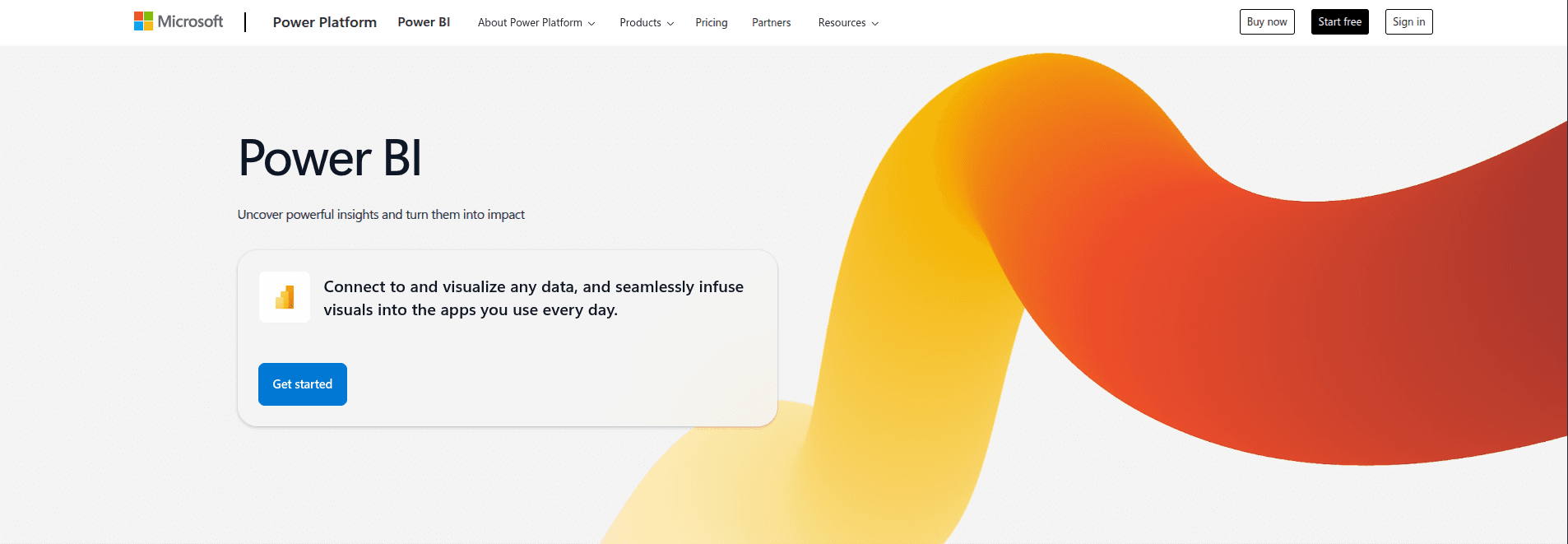
Power BI is Microsoft’s business intelligence and data visualization platform that transforms raw data into interactive dashboards and reports. Organizations use it to monitor KPIs, analyze performance trends, and make real-time, data-driven decisions.
Power BI integrates deeply with Microsoft tools like Excel, Azure, Teams, and SharePoint, making it a strong fit for companies already invested in the Microsoft ecosystem. While powerful for internal reporting, some teams find its flexibility and embedding capabilities limited for broader, customer-facing use cases.
Strengths of Power BI
Intuitive dashboard creation with drag-and-drop visuals
Deep integration with Microsoft tools like Excel, Azure, and Teams
Strong enterprise security and governance
Large ecosystem and community support
Where Power BI Falls Short
Despite its strengths, Power BI can struggle in modern, product-led environments:
Embedding analytics requires additional licensing and engineering effort
Pricing becomes complex and costly at scale
Steep learning curve for non-technical users
Limited flexibility for real-time, customer-facing analytics
For internal corporate reporting, Power BI works well. For embedded analytics and SaaS use cases, many teams start looking for an alternative.
Power BI in Practice
A large enterprise uses Power BI for internal finance and operations reporting. Data teams build dashboards connected to Excel, Azure, and SQL, while business users consume reports via Microsoft Teams. It works well for internal decision-making but requires extra licensing and engineering to share analytics externally.
What Is Supaboard?
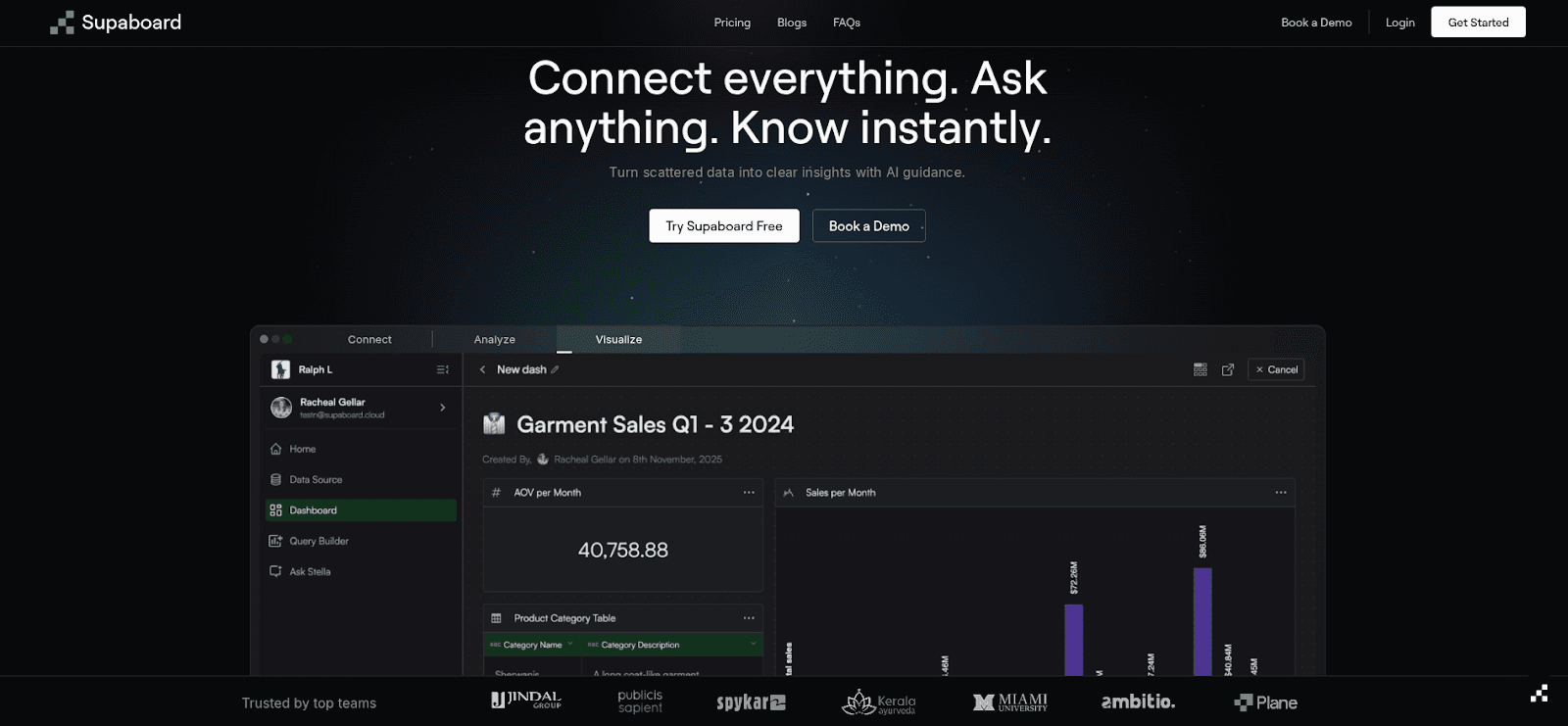
Supaboard is a modern, AI-powered, no-code analytics platform designed for SaaS teams, product teams, and enterprises seeking fast, actionable insights without the complexity of traditional BI.
Built with an embed-first approach, Supaboard makes dashboards a seamless part of the product experience rather than an afterthought. Its intuitive interface, AI-driven insights, and flexible integrations allow teams to deliver real-time analytics to users, internal or external, quickly and efficiently, empowering better decision-making across the organization.
Key Features of Supaboard
White-label dashboards: Fully brandable analytics for SaaS products and portals
No-code analytics: Build dashboards and reports without SQL or BI expertise
AI-powered insights: Automated insights, trends, and predictive signals
Real-time analytics: Designed for speed and scalability
Flexible integration: Works seamlessly with Python-based ETL, databases, and SaaS tools
Enterprise-grade security: Role-based access, SSO, and compliance-ready architecture
Supaboard is ideal for teams that want analytics to feel like part of their product, not a separate tool.
Supaboard in Practice
A US-based revenue cycle management (RCM) company replaced manual spreadsheets with Supaboard’s real-time dashboards across claims, billing, and A/R data. Tasks that once took 4 hours daily now run in minutes, reducing analysis costs by 90% and enabling proactive revenue optimization.
Why Teams Look for a Power BI Alternative?
If you’re evaluating Power BI alternatives, you’re likely facing one (or more) of these challenges:
You need embedded analytics inside a SaaS product or customer portal
Power BI licensing is hard to predict or justify at scale
Business users want insights without relying on data teams
Real-time or product analytics performance is inconsistent
You want AI-driven insights without building custom models
Why Consider a Power BI Alternative?
While Power BI is powerful, some teams face challenges:
Cost: Premium features can be expensive; alternatives often offer transparent, scalable pricing.
Ease of Use: Complex features and a steep learning curve limit adoption for non-technical users.
Customization: Limited flexibility may make dashboards less tailored to unique business needs.
Data Integration: Best performance is within the Microsoft ecosystem, restricting connections to diverse tools.
Scalability: Handling large datasets and complex analytics can be difficult as businesses grow.
Choosing the right alternative can make analytics faster, easier, and more adaptable to organizational needs.
Power BI vs Supaboard: Feature Comparison

Feature | Power BI | Supaboard |
User Experience & Dashboard Design | Powerful visualization library, best for internal dashboards, can feel complex | Clean, intuitive UI, designed for white-label, customer-facing dashboards, fast no-code creation |
Embedded Analytics | Supported but requires premium licensing, extra engineering | Built for embedded use, APIs & SDKs for seamless integration, white-label by default |
AI & Advanced Analytics | AI via Microsoft ecosystem, may need configuration | Built-in Ask AI, automated insights, natural-language queries, designed for business users |
Data Integration & ETL | Strong Power Query, Microsoft-native integrations | Works with Python-based ETL, databases, warehouses, and SaaS tools |
Security & Compliance | Role-based access, SSO, GDPR & SOC compliance | Enterprise-grade security with RBAC, SSO, GDPR & SOC compliance |
Pricing & TCO | Licensing complexity increases with users & embedding | Transparent pricing for SaaS/enterprise, lower operational overhead |
When to Choose Supaboard vs Power BI
Choose Power BI if:
Your organization is deeply invested in Microsoft tools
Analytics is primarily for internal reporting
Traditional BI governance and reporting are priorities
Choose Supaboard if:
You need embedded, white-label analytics for SaaS or enterprise products
You want AI-driven insights without complexity
Your team prefers fast, no-code deployment
AI-First vs AI-Added
Power BI: AI features exist, but are layered on top of dashboards
Supaboard: AI is the primary interface (Ask AI, insights, recommendations)
Frequently Asked Questions (FAQs)
1. What are the best alternatives to Power BI for modern analytics?
Power BI is widely used for internal reporting, but modern teams often look for alternatives that support embedded analytics, no-code dashboards, and AI-driven insights. Platforms like Supaboard are designed for SaaS and enterprise products where analytics needs to be fast, scalable, and customer-facing.
2. Is Power BI suitable for embedded analytics in SaaS products?
Power BI does support embedding, but it often requires additional licensing, configuration, and engineering effort. Many SaaS teams prefer platforms built specifically for embedded analytics, where dashboards are white-labeled, easier to integrate, and optimized for end-user experiences.
3. How does AI-driven analytics compare to Power BI’s capabilities?
Power BI includes AI features through the Microsoft ecosystem, but they often require setup and technical expertise. AI-first analytics platforms focus on natural-language queries, automated insights, and proactive recommendations, making insights more accessible to non-technical users.
4. Can Power BI handle real-time, customer-facing analytics?
Power BI works well for scheduled and internal reporting, but real-time, customer-facing analytics can be challenging at scale. Tools designed for product analytics prioritize low-latency data, real-time updates, and seamless integration into applications and portals.
5. When should a business consider moving beyond Power BI?
Organizations often explore alternatives when they need embedded dashboards, simpler pricing at scale, faster deployment, or AI-powered insights without heavy reliance on data teams. In these cases, modern analytics platforms can better align with product-led and enterprise use cases.
Conclusion
Power BI remains a strong choice for internal, Microsoft-centric organizations. For modern SaaS and product teams, Supaboard often delivers faster, easier, and more actionable insights, especially when embedded dashboards, AI-driven analytics, and real-time data are critical.
Both platforms have strengths, but the right choice depends on whether your analytics focus is internal reporting or product-integrated, customer-facing insights.